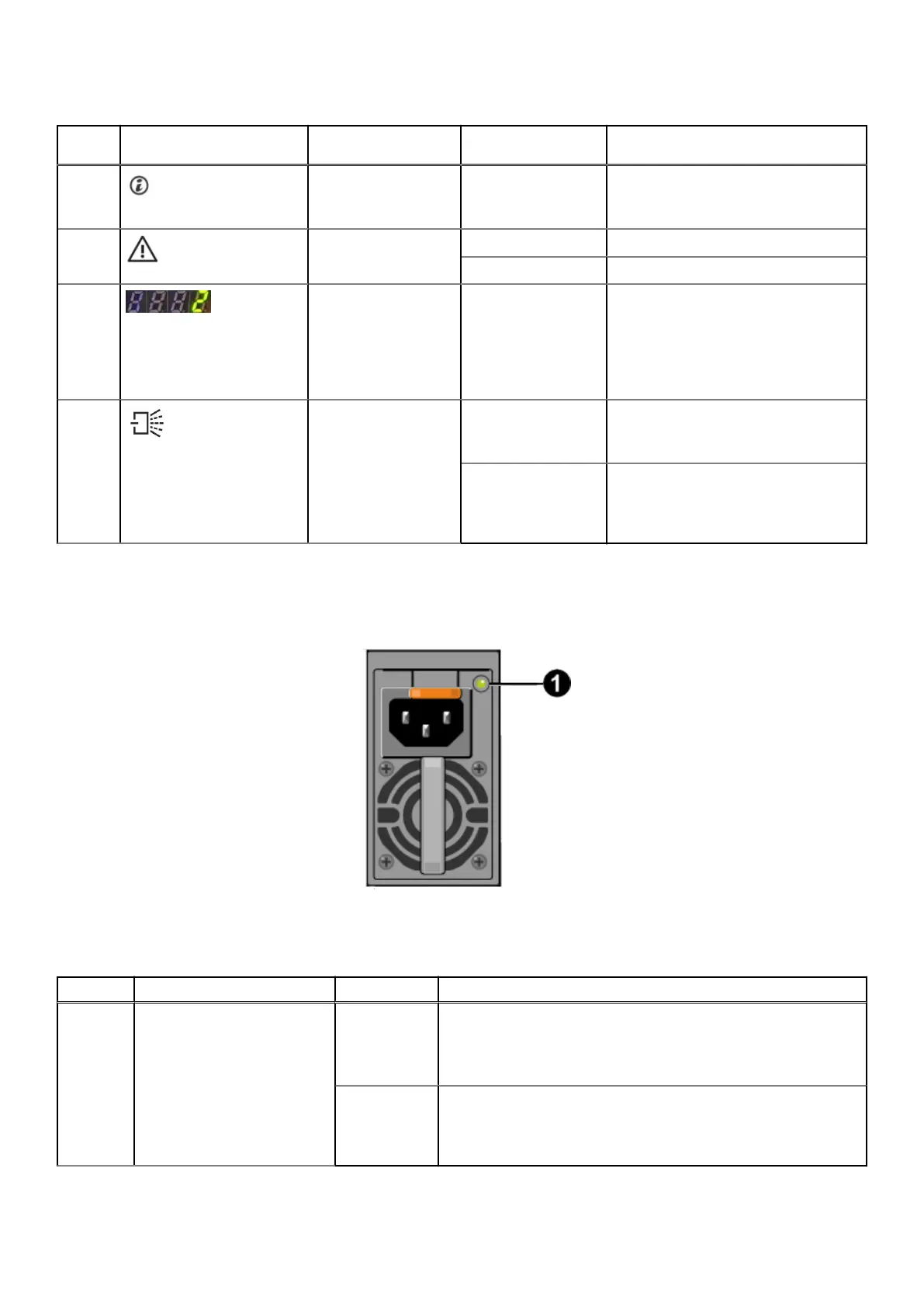
Table 9. States of the EMM LEDs
Index
No.
Indicator Description Color Status
1 EMM ID Blue
● Off: Normal operation
● Blinking (1 sec. on, 1 sec. off):
Identify
2 EMM status Green On solid: Normal operation
Amber Blinking (2 sec. on, 1 sec. off): Fault
3 EMM enclosure ID 2 blue LEDs, 2 green
LEDs
blue not used
green used for
enclosure ID
On solid: Normal operation
4 Mini SAS status Green
● On solid: Port link is up and
connected to a SAS4 port.
● Blinking: Activity
Amber
● On solid: Link is up, but with
degraded speed.
● Blinking (2 sec. on, 1 sec. off):
Degraded speed/traffic flowing
PSU LEDs
The power supply indicator provides the PSU status.
Figure 12. PSU LEDs
Table 10.
States of the PSU LEDs
Index No. Description Color Status
1 Power supply status Green
● On solid: Normal operation
● Off: No input power
● Blinking (0.25 sec on, 0.25 sec off.): Power supply firmware
update in process
Amber
● On: No input power, second PSU is still operating. Or a critical
power supply event is causing a PSU shutdown
● Blinking (0.5 sec on, 0.5 off): Power supply warning; power
supply continues to operate, but in a degraded condition.
Understand the PowerProtect Data Manager Appliance 21









 To Next Page