Install the DM5500 in the rack
Topics:
• Rack rails
•
Installing the rails
• Installing the chassis retention brackets
• Unboxing the DM5500 and removing the shipping screws
• Removing drives
• Removing power supply units
• Installing the DM5500 into the rack
• Installing drives
• Installing drive blanks
• Installing power supply units
• Installing the front bezel
Rack rails
The DM5500 supports only static rails. There is no sliding rail option and there are no external cable management options such
as a cable management arm (CMA) or strain relief bar (SRB).
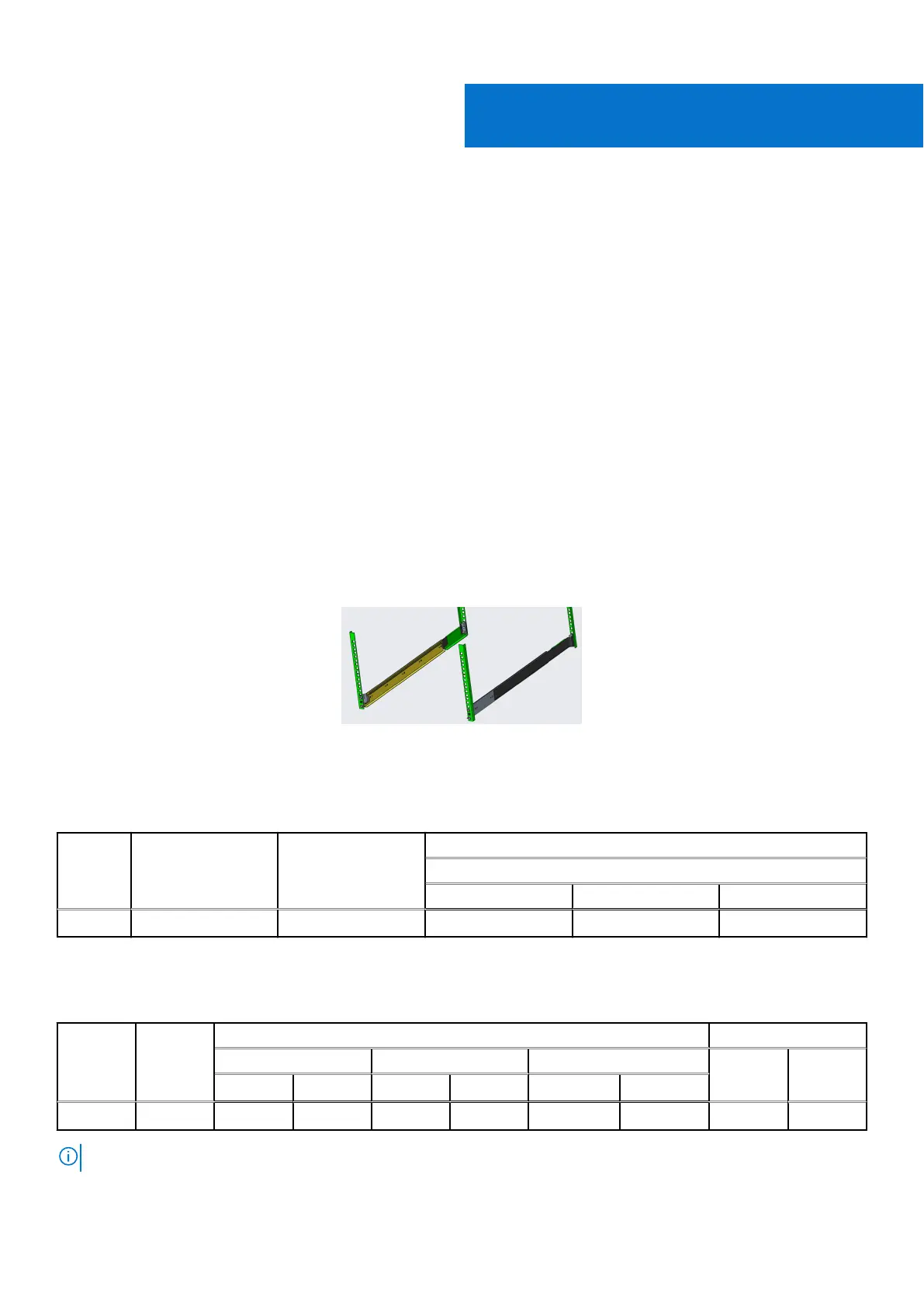
Figure 15. L-Bracket Static rail
The static rails support tool-less mounting in EIA/ECA-310-E compliant square hole and unthreaded round hole 4-post racks.
Table 14.
Static rails
Rail
identifie
r
Mounting interface Rail type Supported rack types
4-Post
Square Round Threaded
- Generic Tool-less Static √ √ X
The static rails offer a greater adjustability range and a smaller overall mounting footprint than the sliding rails. This feature is
due to their reduced complexity and lack of need for external cable management (CMA, SRB) support.
Table 15.
Static rails adjustability
Rail
Identifier
Rail Type Rail Adjustable Range—mm Rail Depth—mm
b
Square Round Threaded Without
CMA/
SRB
With
CMA/
SRB
Min Max Min Max Min Max
- Static 603
a
917 603
a
917 N/A N/A N/A N/A
NOTE:
a
: Minimum conversion required
2
26 Install the DM5500 in the rack









 To Next Page