Enclosure drive carrier LEDs
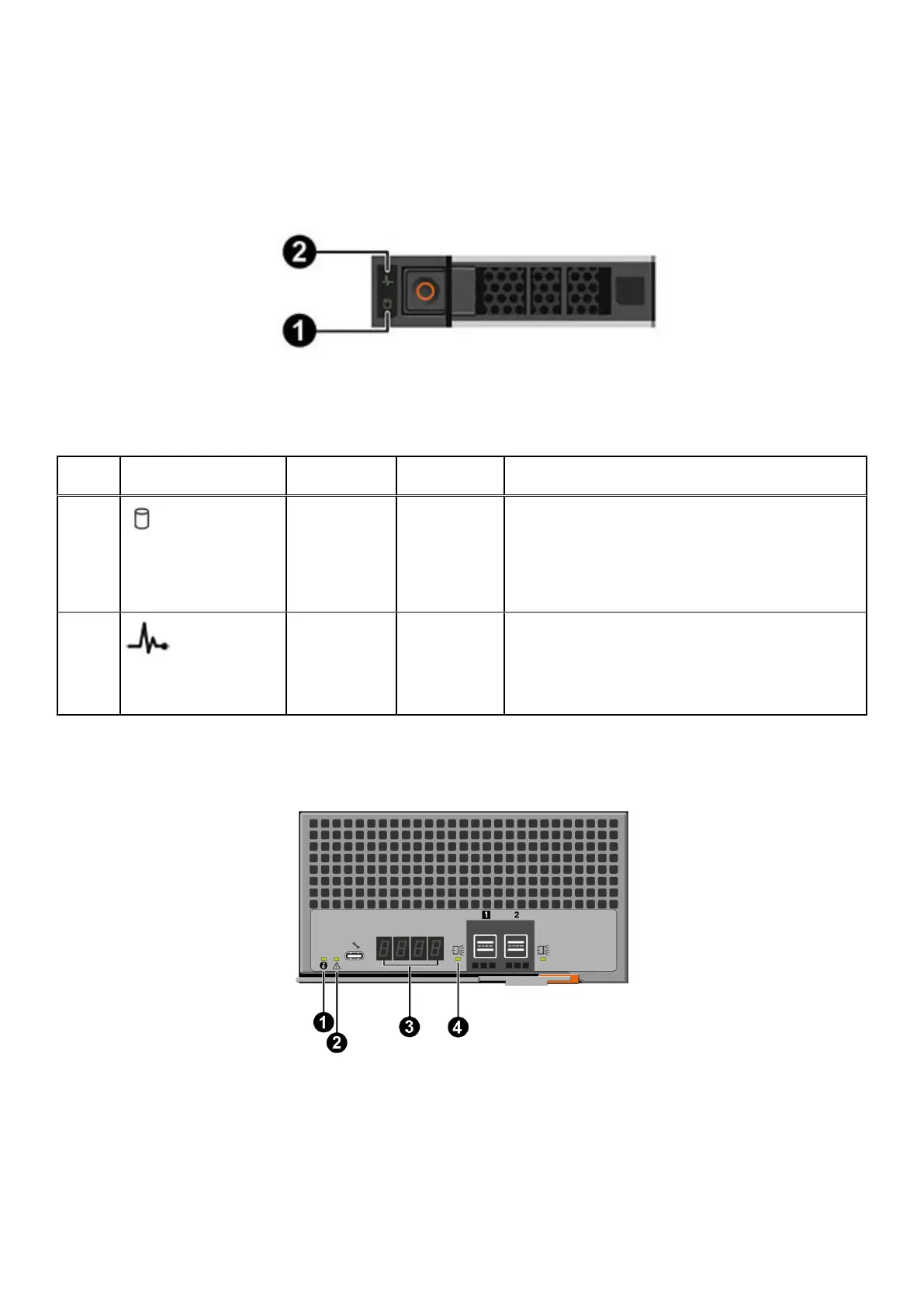
Two LEDs mounted on the front of each drive carrier provide drive status.
The drive carrier LEDs are identified in the figure, and the LED behavior is described in the table following the figure.
Figure 10. Drive carrier LEDs
Table 8. States of the drive carrier LEDs
Index
No.
Indicator Description Color Status
1 Drive activity Green
● Blinking green (500 msec on 500 msec off): Drive is
spinning up or spinning down
● Blinking green (100 msec on, 100 msec off): Drive
activity
● Blinking green (50 msec on, 50 msec off): Active,
idle, or standby power condition
2 Drive status Green/Amber
● On solid green: Normal operation
● Blinking green (2 sec. on, 1 sec. off): Identify
● Blinking green (400 msec on, 100 msec off): Drive
rebuilding
● Blinking amber (150 msec on, 150 msec off): Fault
EMM LEDs
The EMM indicators provide status information about the system.
Figure 11. EMM LEDs
20
Understand the PowerProtect Data Manager Appliance









 To Next Page