Removing drive blanks
Prerequisites
CAUTION: To maintain proper system cooling, drive blanks must be installed in all empty drive slots.
Steps
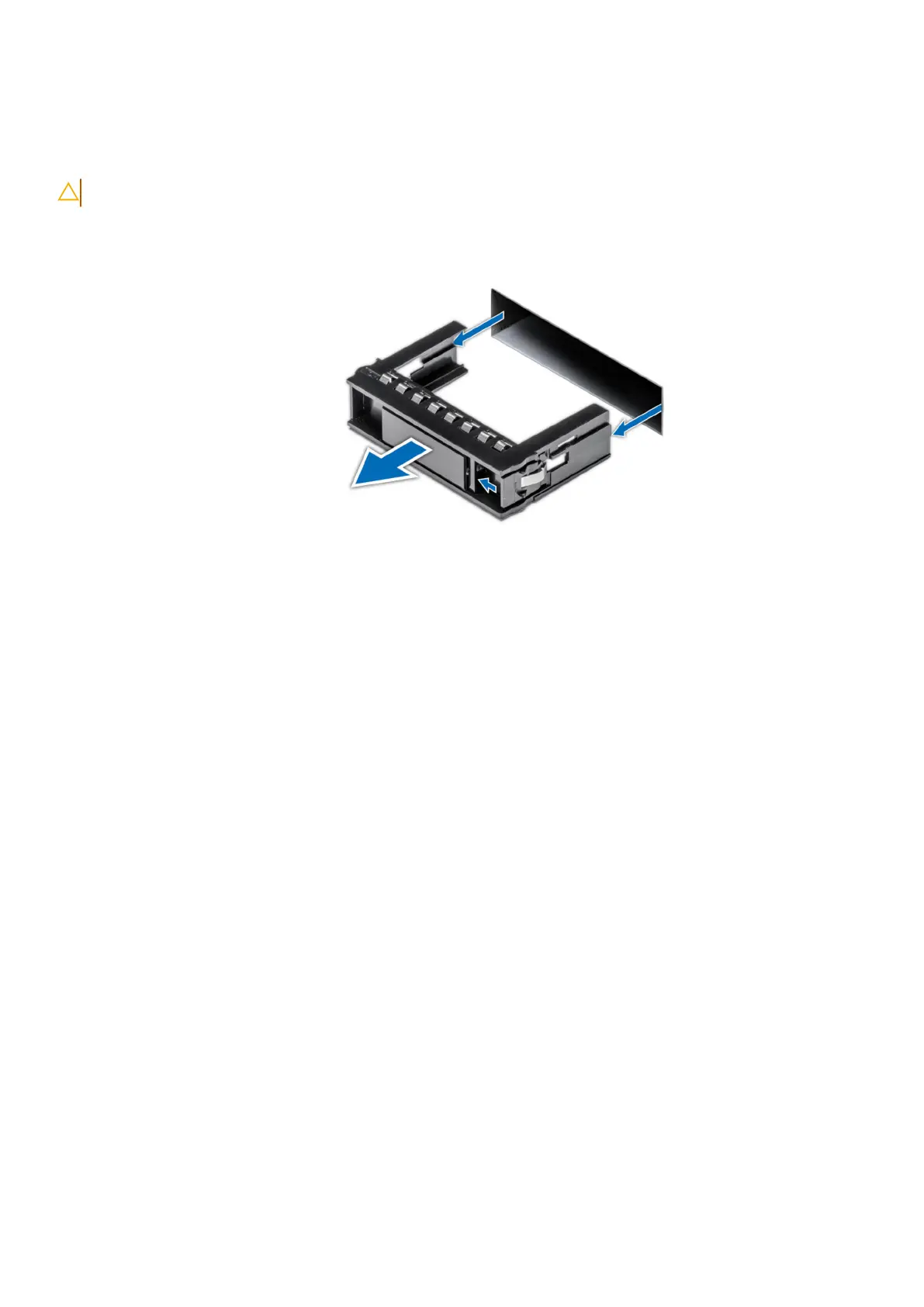
Press the release button, and slide the drive blank out of the drive slot.
Figure 23. Removing a drive blank
Next steps
Close the drive bays.
Removing the front bezel
Prerequisites
1. Keep the bezel key handy.
Steps
1. Unlock the bezel.
2. Press the release button, and remove the left end of the bezel.
3. Unhook the right end of the bezel, and remove the bezel.
32
Install the DM5500 in the rack









 To Next Page