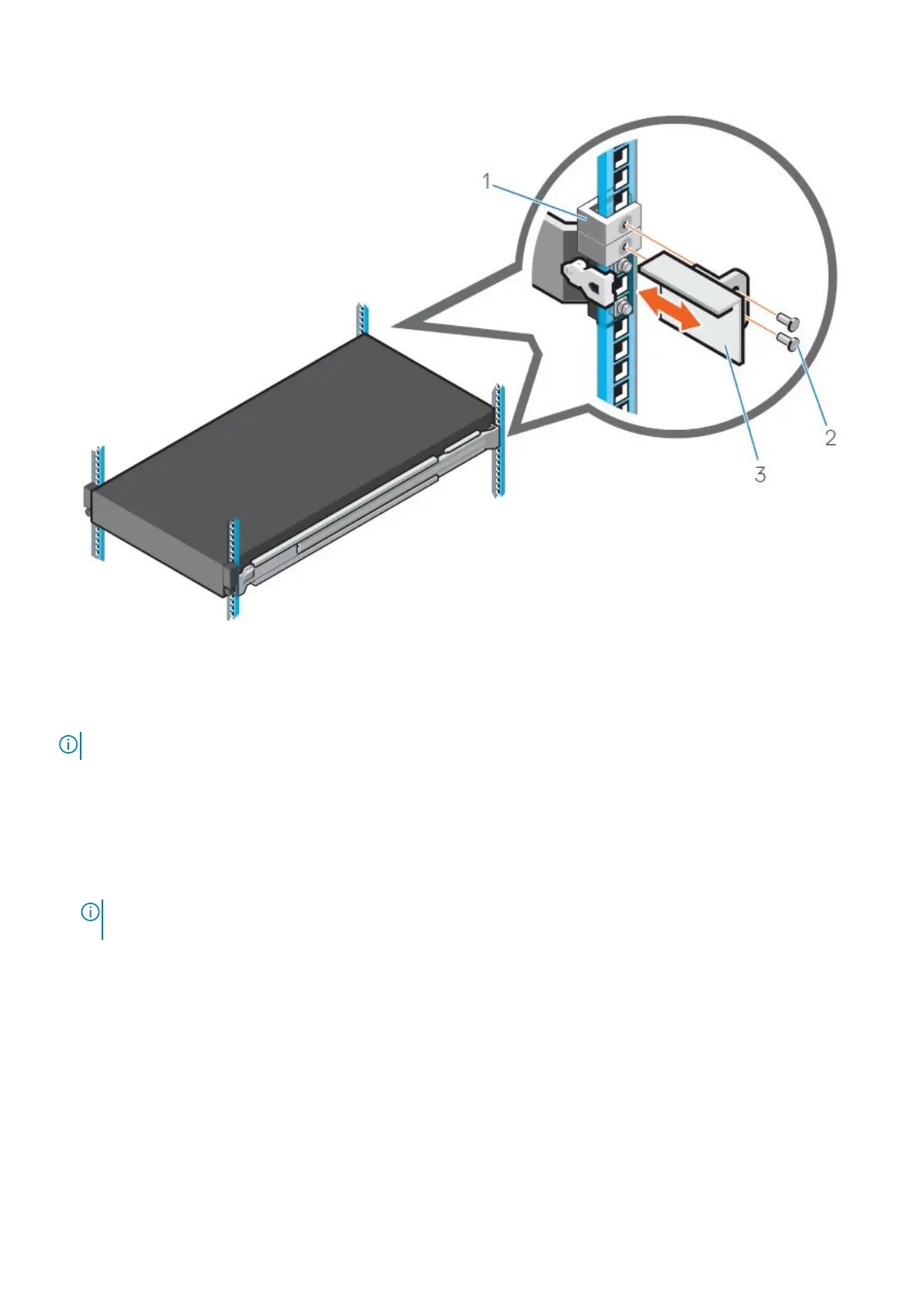
Figure 19. Diagram and description of installing the chassis retention bracket
1. Cage nut (2)
2. Screws (2)
3. Chassis retention bracket
NOTE: The chassis shown in the image is not representative of a specific system.
To install each chassis retention bracket, perform the following steps.
Steps
1. Place the bracket on the system.
2. Secure the bracket to the rack flange with two screws by using Phillips #2 screwdriver.
The installed chassis bracket on each rack flange should look like the following image.
NOTE:
Do not overtighten the retention brackets; keeping them slightly loose will make it easier to insert the system
under them when positioning the system on the rails.
Install the DM5500 in the rack 29









 To Next Page