Next steps
1. Close the drive bays.
2. Install the power supply units.
Installing power supply units
Prerequisites
CAUTION: Ensure that both the PSUs are of the same type and have the same maximum output power.
The maximum output power (shown in watts) is listed on the power supply unit label.
Steps
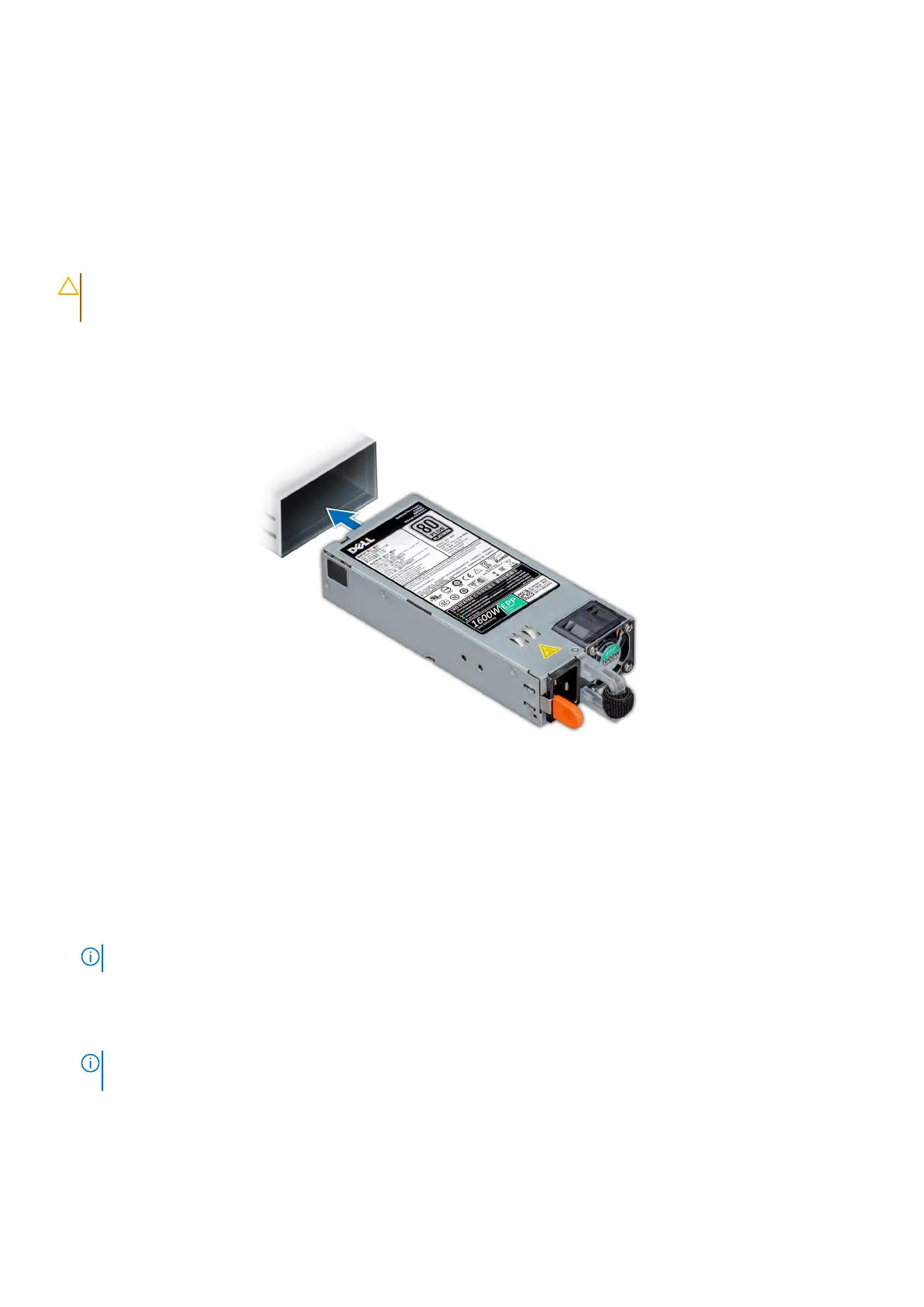
Slide the power supply unit into the power supply unit bay until the power supply unit is fully seated and the release latch snaps
into place.
Figure 31. Installing a power supply unit
Installing the front bezel
Prerequisites
1. Locate and remove the bezel key.
NOTE: The bezel key is part of the front bezel package.
Steps
1. Align and insert the tabs on the right end of the bezel into the slots on the system.
NOTE:
Ensure that the drive bay is locked before installing the front bezel, for more information see the closing the
drive bays section.
2. Fit the left end of the bezel onto the system and press the bezel until you hear the release button click.
3. Lock the bezel.
Install the DM5500 in the rack
39









 To Next Page