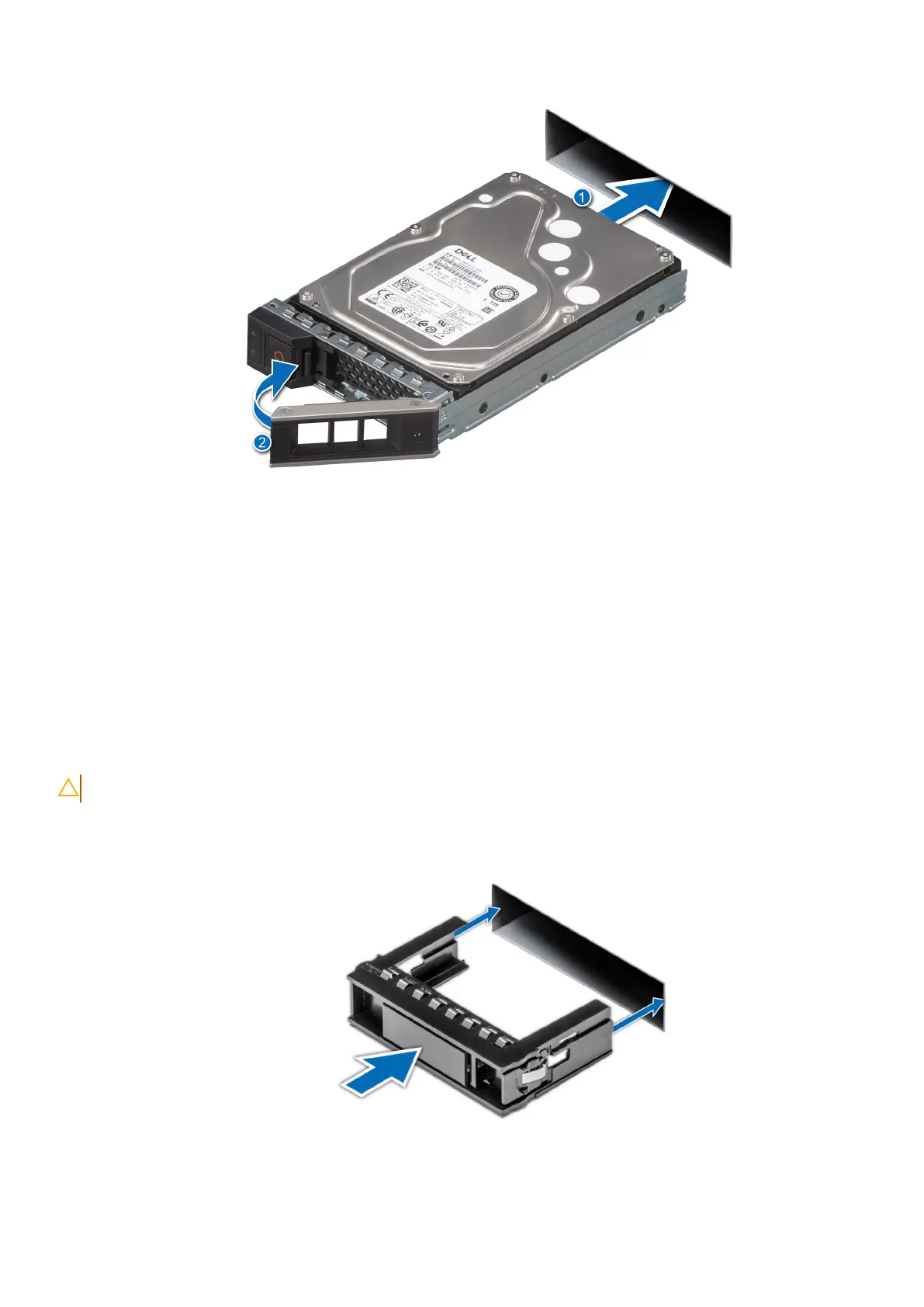
Figure 29. Installing a drive
Next steps
1. Close the drive bays.
2. Install the power supply units.
3. Install the front bezel.
Installing drive blanks
Prerequisites
CAUTION: To maintain proper system cooling, drive blanks must be installed in all empty drive slots.
Steps
Insert the drive blank into the drive slot, and push the blank until the release button clicks into place.
Figure 30. Installing a drive blank
38
Install the DM5500 in the rack









 To Next Page