G6 Pro User Guide
26Chapter 4: Overview
G6 Pro Box
Applicator
Sensor
(inside)
Transmitter
Holder
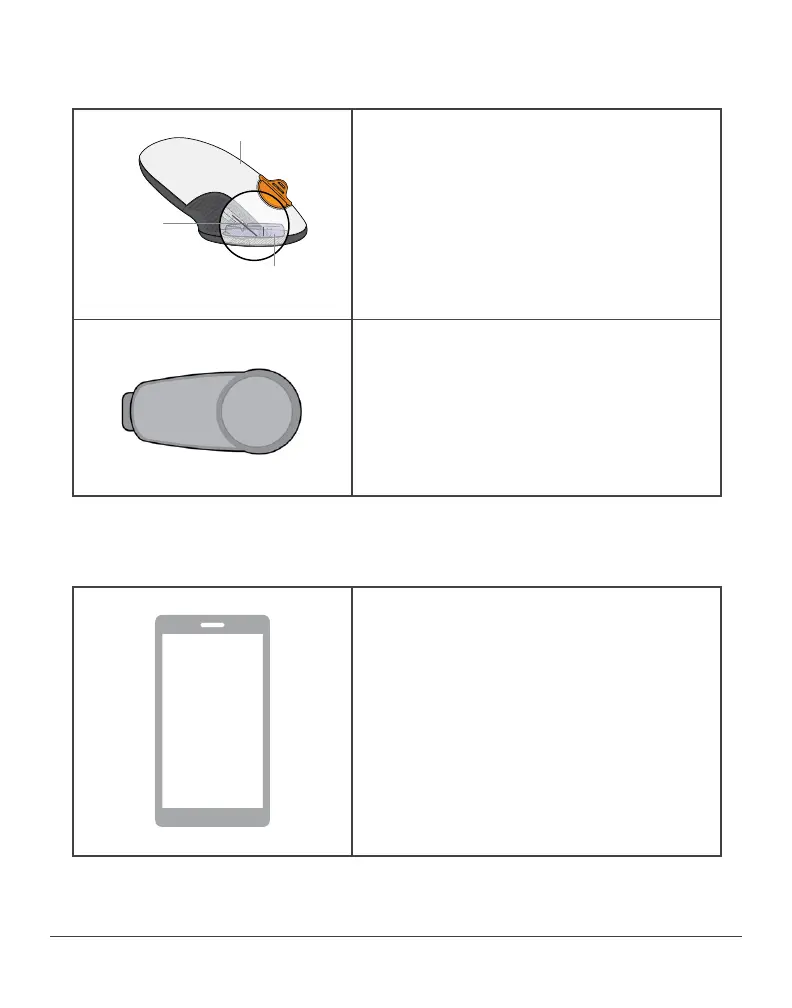
Sensor and Applicator
• Sensor is inside the applicator.
• Sensor gets glucose information.
• Single-use.
• Apply sensor to patient using
applicator.
Transmitter
• Transmitter captures and stores
data from sensor.
• Single-use.
• Attach to transmitter holder after
inserting sensor.
Images are representational only. Your system may look different.
Unblinded CGM Patient Display Device
Unblinded Only
• To receive sensor information,
patient downloads the G6 Pro app
on their compatible smart phone
(dexcom.com/compatibility).
• Patient can do this in your office,
but the Pro system was designed to
have them do this at home.
• Following on-screen instructions,
patient sets up the app.



 To Next Page