G6 Pro User Guide
28Chapter 4: Overview
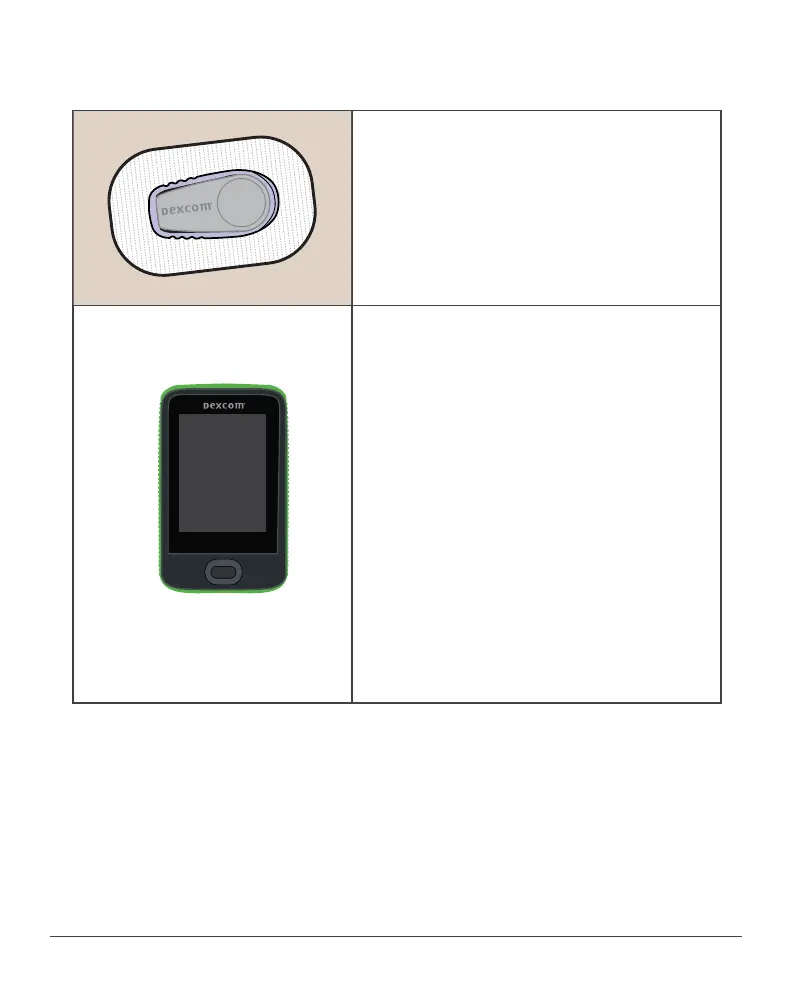
4.4 How They Work Together
After inserting the sensor, sensor takes
glucose readings every five minutes
during the 10-day sensor session.
Sensor sends readings to transmitter.
Transmitter retains sensor session
data. After sensor session, patient
returns transmitter to you.
Compatible Data Tool:
See G6 Pro Reader User Guide for
complete information.
Before patient leaves, and after sensor
insertion, you have the option to
check the G6 Pro system status.
Once patient returns the transmitter,
download its data.
When download is complete, HCP
uploads reader data into Dexcom
CL ARITY.
Review Dexcom CLARITY report with
patient.
Throw away transmitter and sensor
following local guidelines.



 To Next Page