G6 Pro User Guide
39Chapter 5: Getting Started with G6 Pro
Insert Sensor
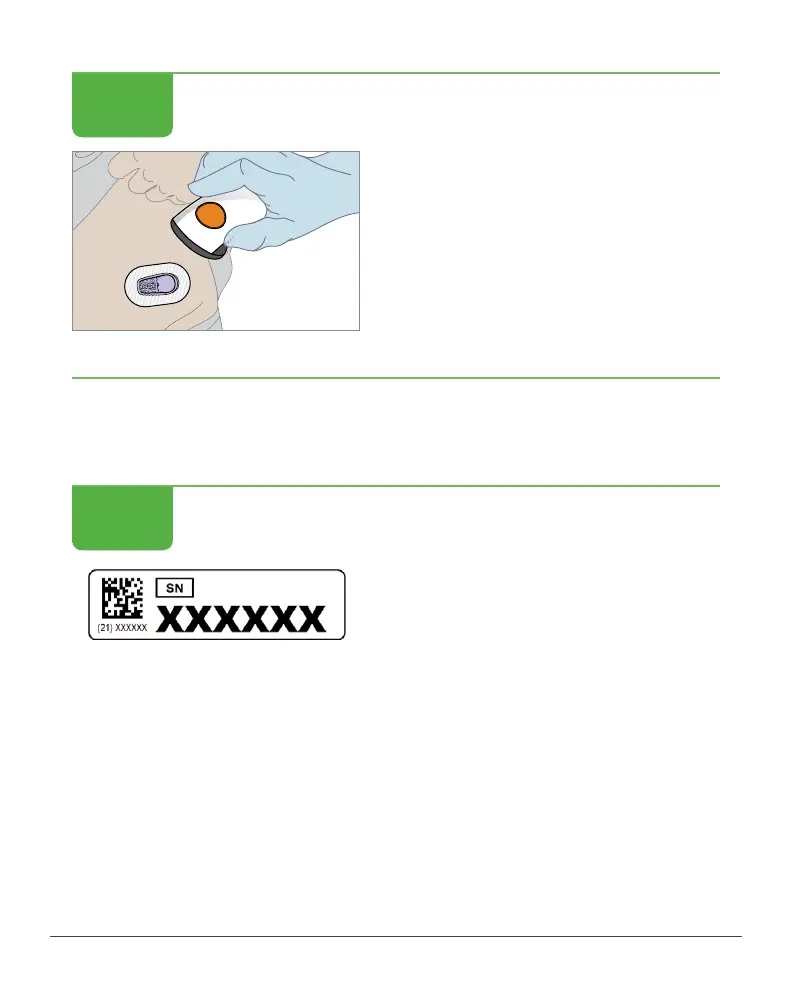
Remove applicator.
Finished!
Once the sensor has been inserted, attach the transmitter.
Attach Transmitter
Attach Transmitter
Is your patient unblinded?
Put transmitter serial number (SN)
sticker on their Unblinded CGM
Patient material.
The transmitter SN is for your
unblinded patient’s app set up.
Don’t give it to your blinded patient.
If you do, your blinded patient may
get unblinded data without
you knowing.
STEP
8 of 8
STEP
1 of 6



 To Next Page