G6 Pro User Guide
60Chapter 8: Events
8.3 Types of Events
G6 Pro lets your patient keep track of insulin, carbs, exercise, and
health-related events.
After adding an event, it shows under the heading Events, in the app
(landscape view), and in Dexcom CLARITY reports.
The next section outlines how your patient enters a long-acting
insulin event.
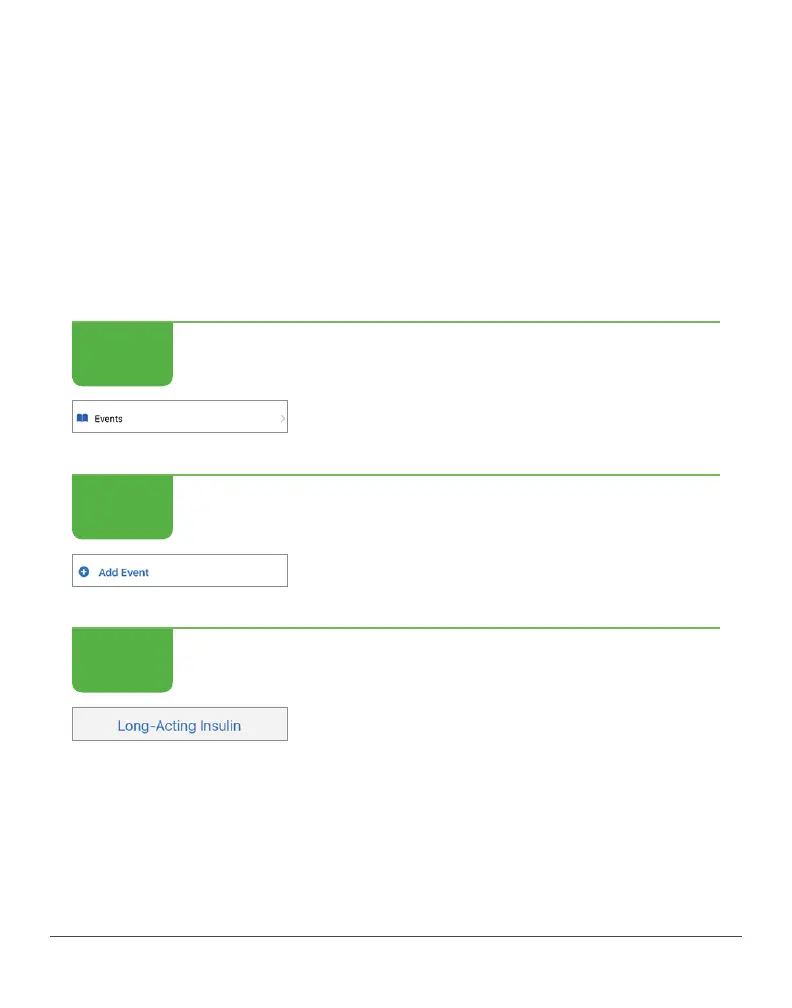
Enter Long-acting Insulin
Enter Long-acting Insulin
From the Home screen, tap Events.
Enter Long-acting Insulin
Then, tap Add Event.
Enter Long-acting Insulin
Tap Long-Acting Insulin.
STEP
1 of 4
STEP
2 of 4
STEP
3 of 4



 To Next Page