G6 Pro User Guide
83Appendix A: FAQs and Troubleshooting
A.2 Error Messages
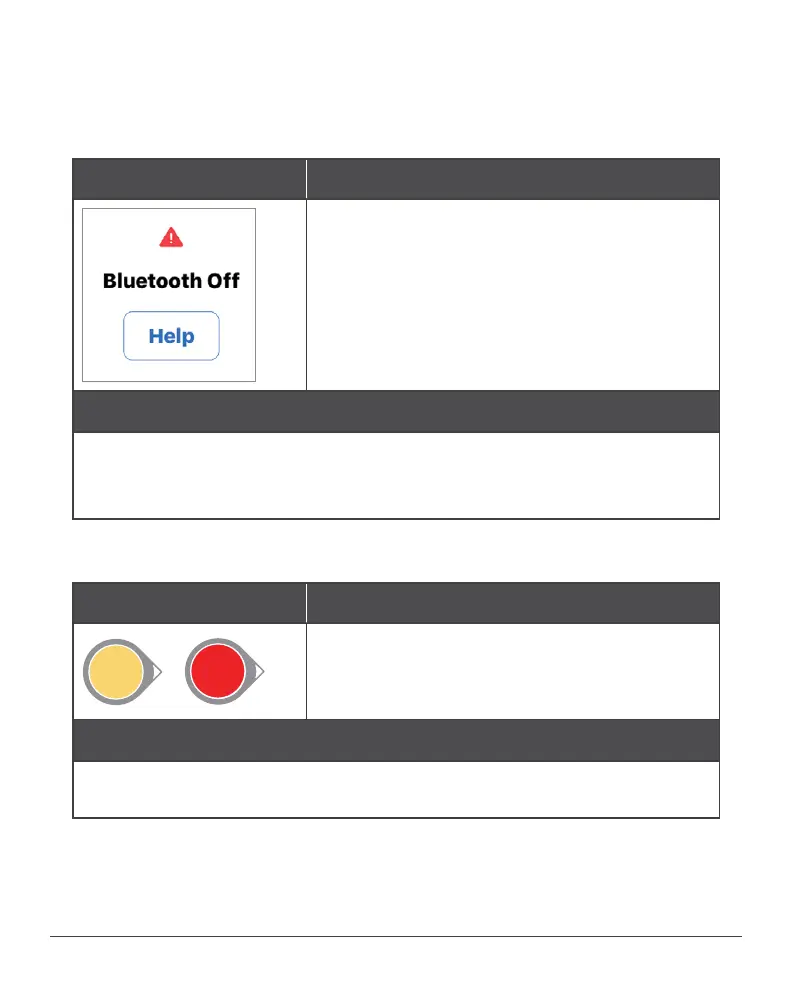
Bluetooth Off
Problem
Phone’s Bluetooth is off, so the transmitter
can’t communicate with the app.
Not getting G6 Pro readings.
Display device and transmitter not
connecting.
Action
Use meter. No glucose alarm/alerts or G6 Pro readings until fixed.
Turn Bluetooth on in phone settings. Wait up to 10 minutes for
transmitter and app to communicate.
High or Low Instead of a Sensor Reading
Problem
51
mg/dL
HIGH
mg/dL
51
mg/dL
LOW
mg/dL
Instead of displaying a sensor reading,
screen shows High or Low.
Action
Wait. The system is working correctly. When patient is above 400,
system says “High.” Below 40, it says “Low.”



 To Next Page