G6 Pro User Guide
33Chapter 5: Getting Started with G6 Pro
Chapter 5: Getting Started with
G6 Pro
5.1 Introduction
In the previous chapter, you received a high-level overview of the
G6 Pro system. Now it’s time to learn about inserting the sensor and
attaching the transmitter.
After this chapter, you’ll be able to:
• Get ready for your patient’s visit
• Insert the sensor on your patient
• Attach the transmitter
• Tell your patient about the next steps
5.2 Preparing for Patient’s Visit
For a successful visit, make sure you have everything ready before your
patient arrives.
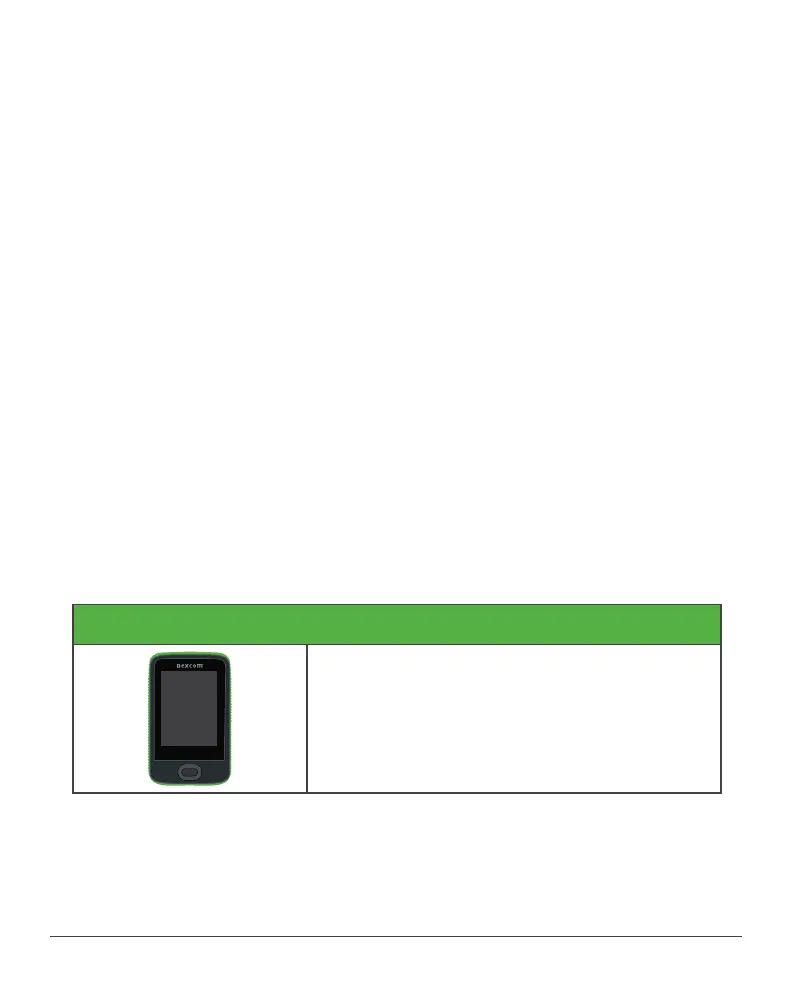
Gather everything you may need:
G6 Pro Reader
See reader user guide for more information



 To Next Page