G6 Pro User Guide
65Chapter 8: Events
8.6 App: View Events
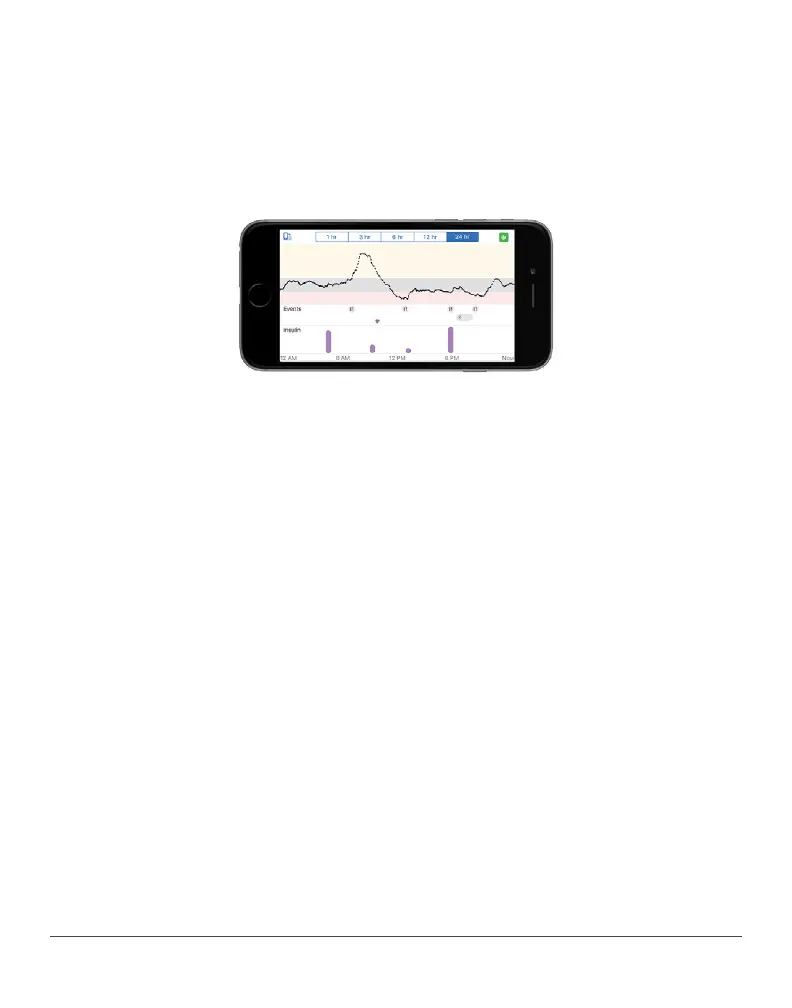
Turn smart device to landscape to view events – carbs, exercise, and
health. At the bottom of the screen are the recorded insulin doses.
Touch and hold a spot on the screen to see detailed information for
that time.
Tap labels along top to change time scale. Touch and hold on graph to
see details for that time.



 To Next Page