G6 Pro User Guide
89Appendix A: FAQs and Troubleshooting
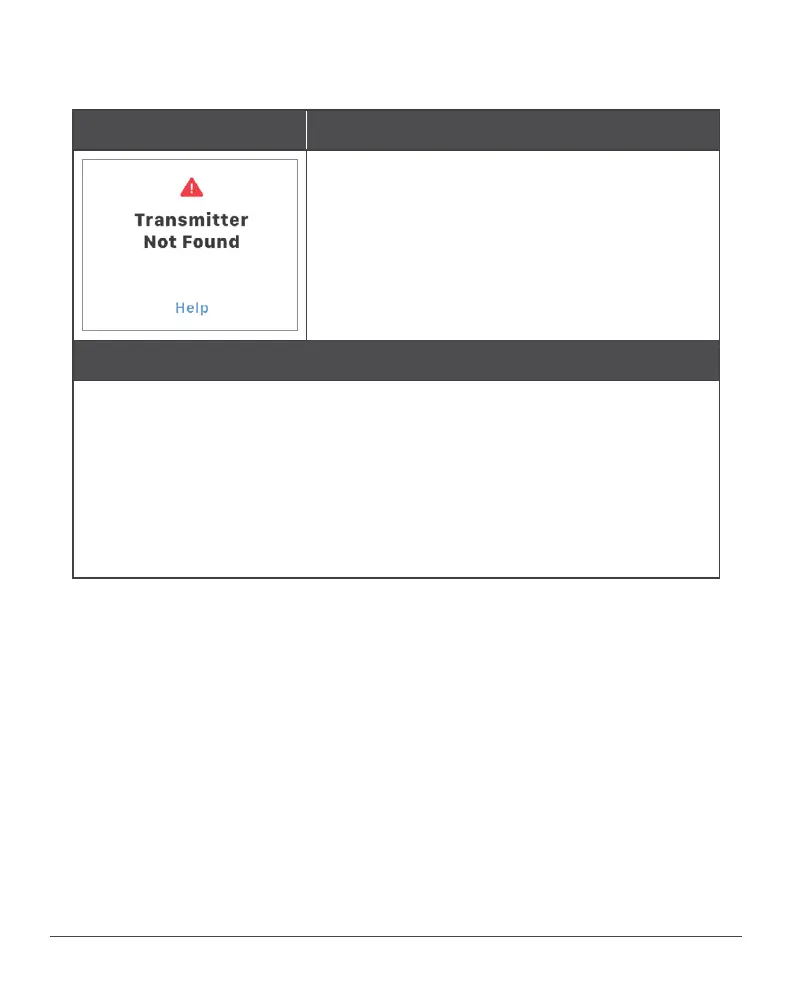
Transmitter Not Found
Problem
App isn’t communicating your
patient’s transmitter.
Action
Check the transmitter SN: Compare the SN on materials to the SN in
the app (Settings>Transmitter>Transmitter SN).
If they don’t match, re-enter the transmitter SN at
Settings>Transmitter>Pair New.
Check the transmitter: Is it flat and snug in its holder?
Wait up to 3 hours while the system fixes itself. If not corrected after
3 hours, contact Customer Support for a replacement.



 To Next Page