G6 Pro User Guide
51Chapter 6: Unblinded – Using the G6 Pro
Sensor Readings, Trend Arrow, and Graph
Most Recent Reading
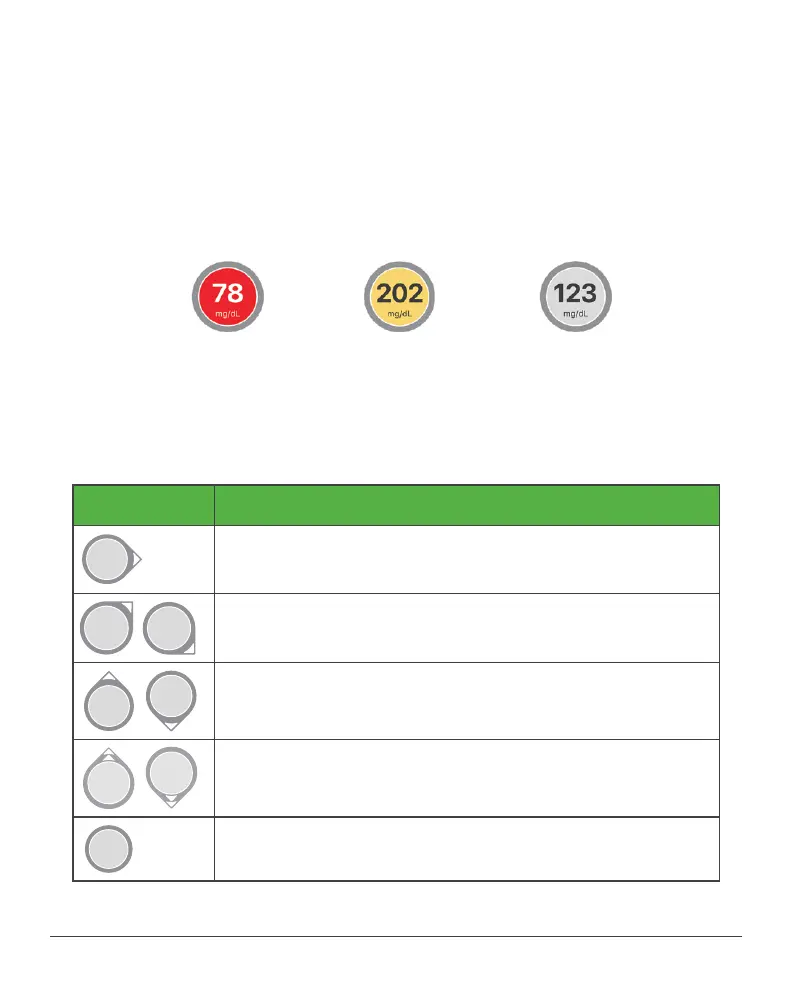
On the home screen, numbers and color tell your patient what their
reading is now. The number is the sensor reading, updated every 5
minutes. The number’s background color shows whether the sensor
reading is low, high, or in the target range.
Trend Arrows
Trend arrows show where your patient’s glucose is heading.
Trend Arrows What it Means
Steady
Changing less than 1 mg/dL each minute
Slowly rising or falling
Changing 1–2 mg/dL each minute
Rising or falling
Changing 2–3 mg/dL each minute
Rapidly rising or falling
Changing more than 3 mg/dL each minute
No arrow
Can’t determine trend
Yellow = High Gray: In TargetRed = Low



 To Next Page