G6 Pro User Guide
74Chapter 10: Blinded/Unblinded End of Sensor Session
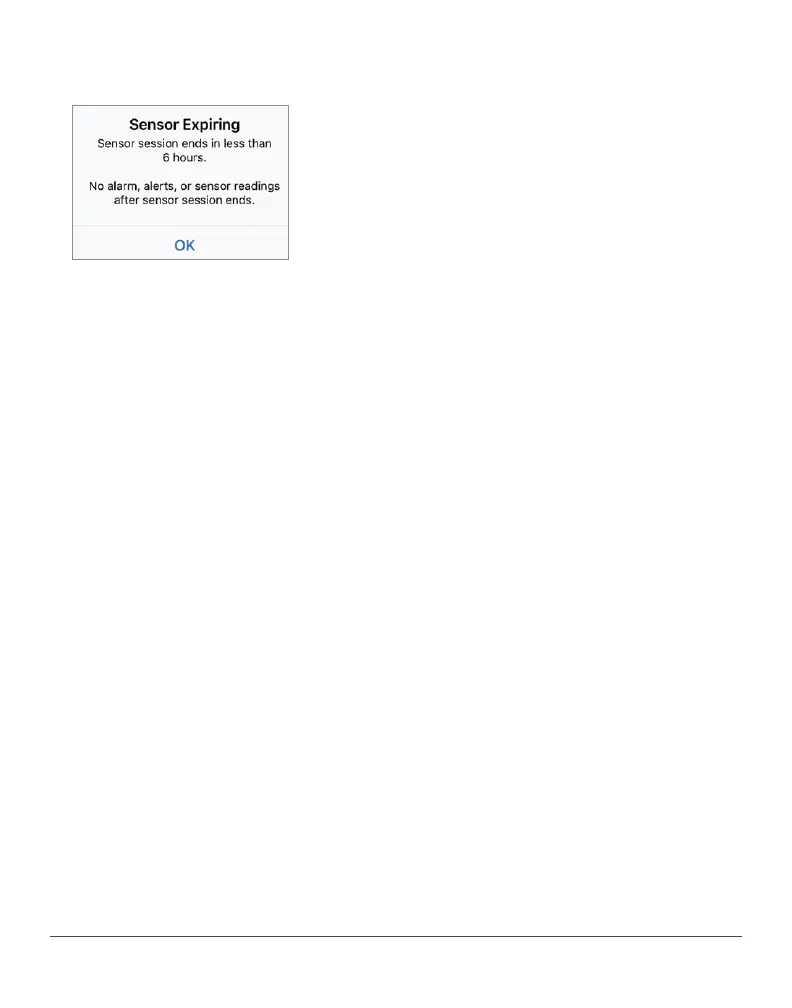
Notification Example
Open app to confirm.
What it means:
• Notifications let your patient know their sensor session is ending
soon. They get four notifications before the session ends: 24 hours,
6 hours (shown above), 2 hours, and 30 minutes before.
• Clock counts down until session ends.
• Continue to get alarm/alerts and sensor readings until session
is over.
• Patient can end session early or wait.



 To Next Page