G6 Pro User Guide
87Appendix A: FAQs and Troubleshooting
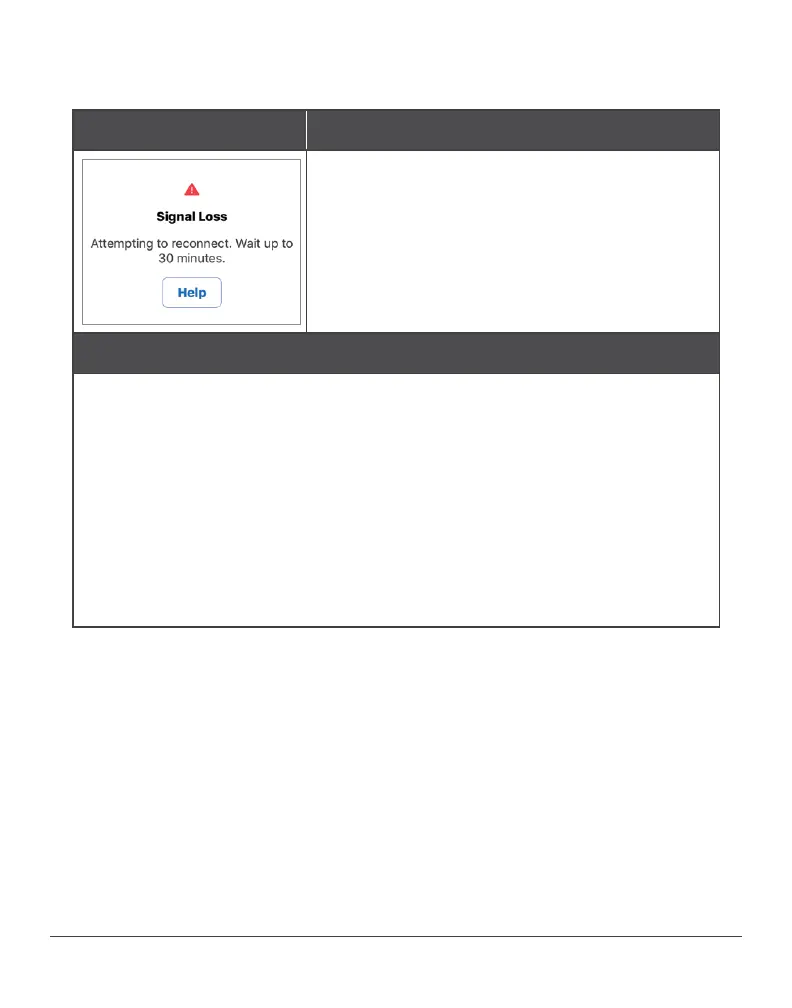
Signal Loss
Problem
Transmitter and app aren’t communicating.
Not getting G6 Pro readings.
Action
Use meter. No glucose alarm/alerts or G6 Pro readings until fixed.
Move smartphone within 20 feet of the transmitter. Remove barriers
(like walls or metal) between smartphone and transmitter. If patient
is in water, they need to keep smartphone closer than 20 feet.
If that doesn’t work, turn Bluetooth off and on. Wait 10 minutes.
If that doesn’t work, restart the smart device and reopen the
Dexcom app.
Once the problem has been fixed, older readings will show up on
the trend graph.



 To Next Page