CUBE 30 TOUCH | USER MANUAL
• Do not assign an ID for this sample and move on to the next position by pressing
“
SKIP”.
• Do not assign an ID for any of the unidentified samples: press “SKIP ALL”
Note: If none of these options are selected within 30 seconds, the “SKIP ALL” choice is
enabled, and the cycle progresses automatically.
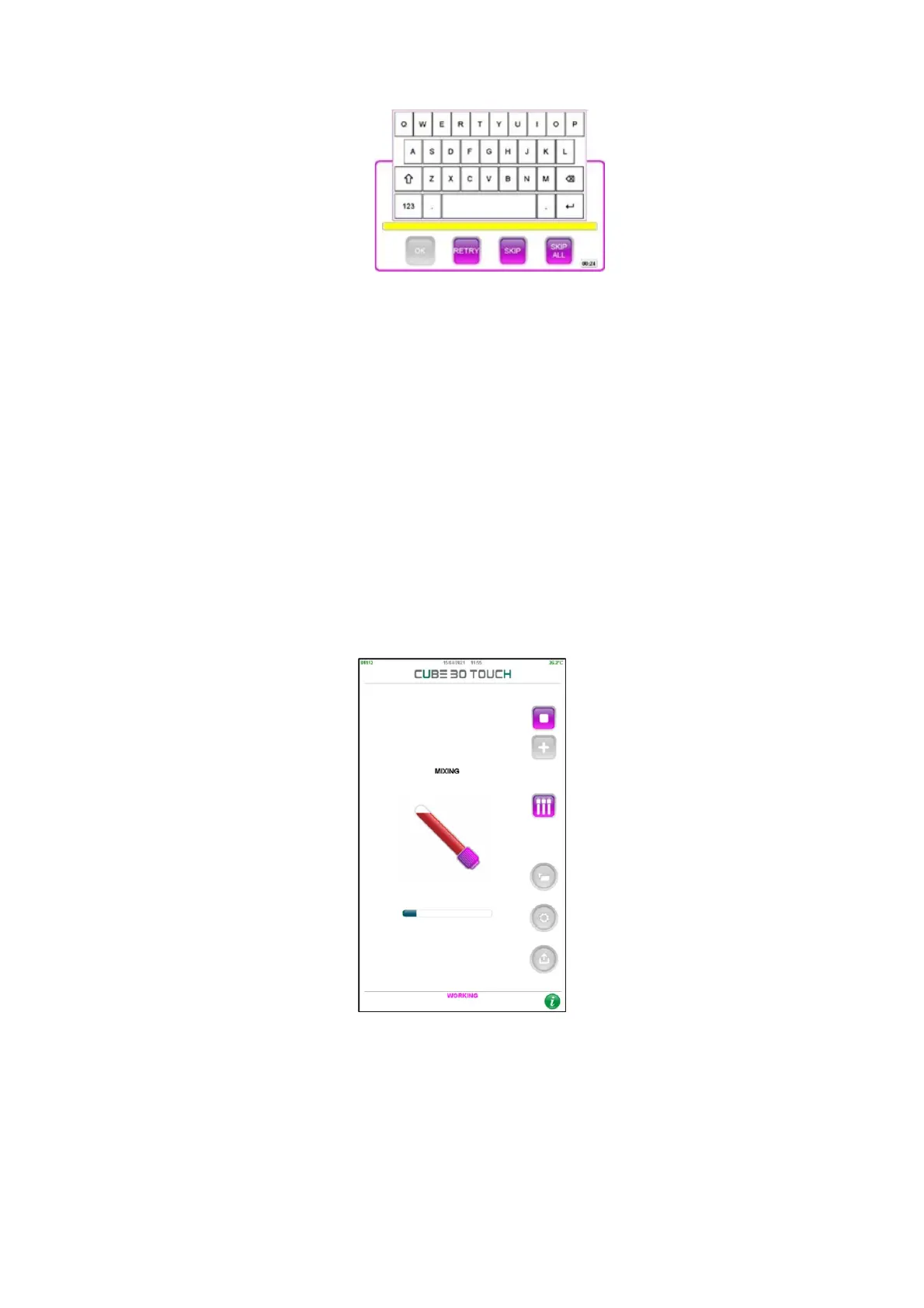
The instrument then starts the mixing process, and a progress bar displays the time
remaining. The carousel will make 20 complete rotations (180°) to fully re-suspend the
samples. During this phase a progress bar will display the time remaining until the end
of the operation (Figure 32)
Figure 32 – Mixing phase
At the end of the mixing phase, the instrument will perform a scan of each test tube to
determine the level of blood at time zero of sedimentation.
insertion



 To Next Page