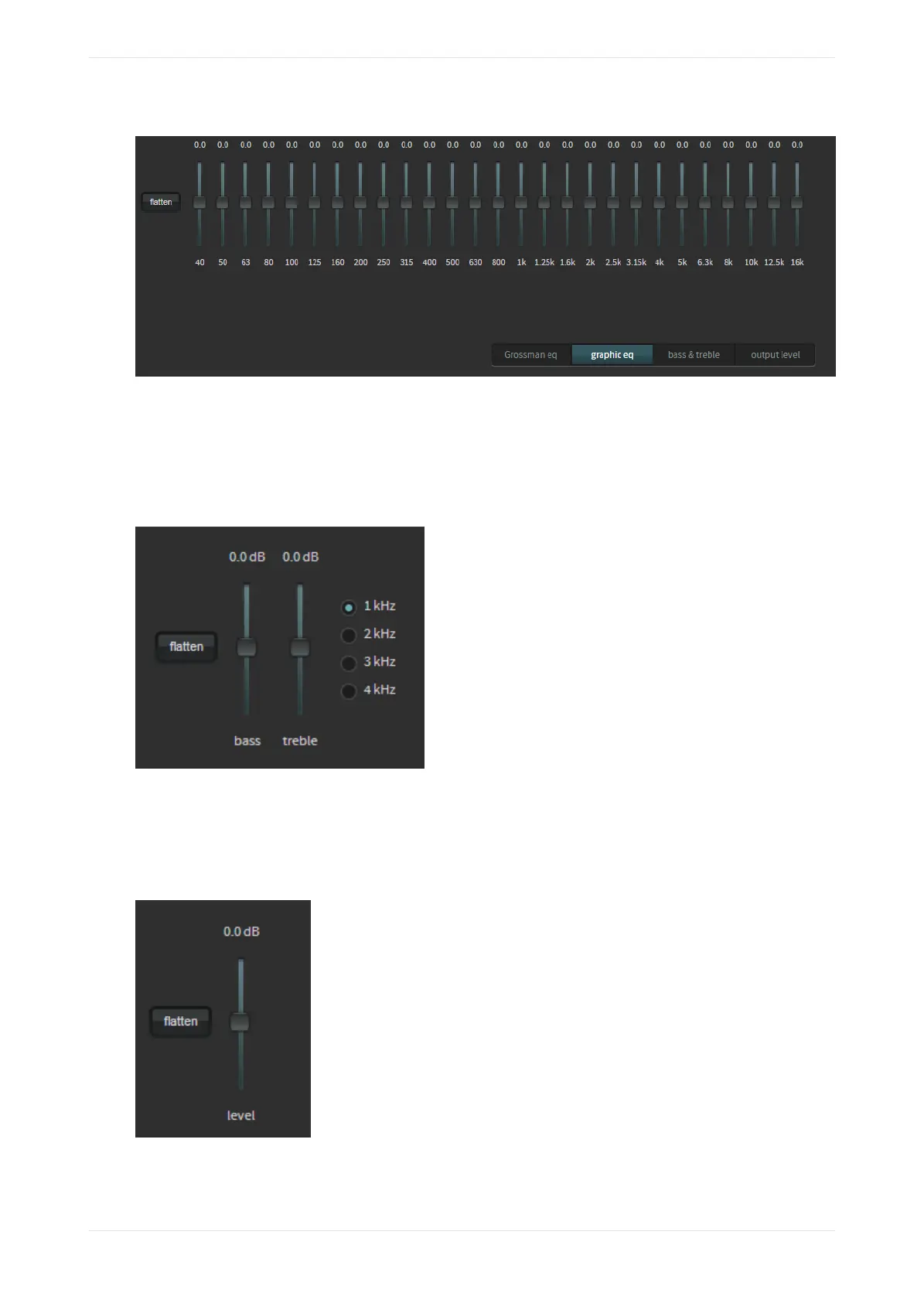
Figure 75: Graphic Equalizer
Bass and treble
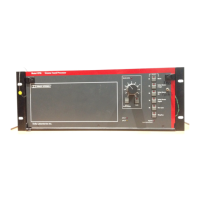
Click on the bass & treble button, drag the corresponding sliders, and change settings to adjust each
parameter in the real-time analyzer EQ display, as shown in the following figure. Click the flatten button to
flatten the curve.
Figure 76: Bass and treble
Output level
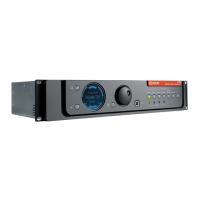
Click on the output level button, and drag the corresponding slider to adjust the output level. Click the
flatten button to flatten the output level.
Figure 77: Output level
Displaying the equalization screen
Dolby Cinema Processor CP950 and Dolby Atmos Cinema Processor CP950A Manual 61
Issue 9 Part Number 8800298 19 January 2022



 To Next Page