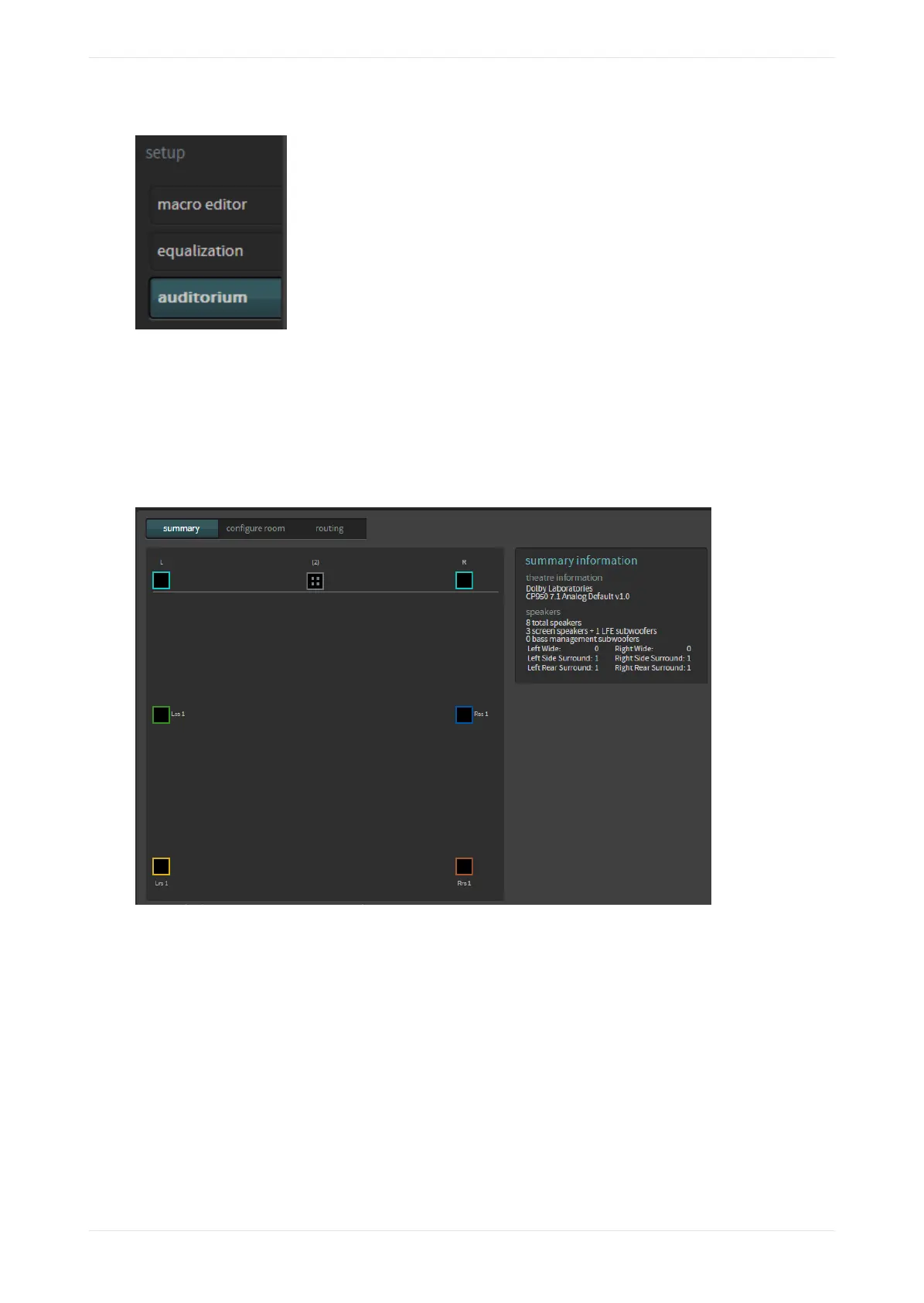
Figure 79: Select auditorium
The auditorium screen appears. In room view (under the summary tab), the speakers are displayed
according to their x and y coordinates with the corresponding configuration summary. The following three
figures show a CP950 configuration with no crossovers, a CP950A configuration that includes two crossovers
(designated by
x
icons), and a CP950A configuration with no crossovers. The icon with four small squares at
the center channel indicates that there are multiple speaker feeds with the same positional data in that
location (center and LFE). When you click on this icon, it expands to show the speakers that share this
positional data. As a reminder, the CP950 cannot use top surrounds.
Figure 80: CP950 auditorium summary display (room view with no crossovers)
Displaying the auditorium parameters
Dolby Cinema Processor CP950 and Dolby Atmos Cinema Processor CP950A Manual 63
Issue 9 Part Number 8800298 19 January 2022









 To Next Page