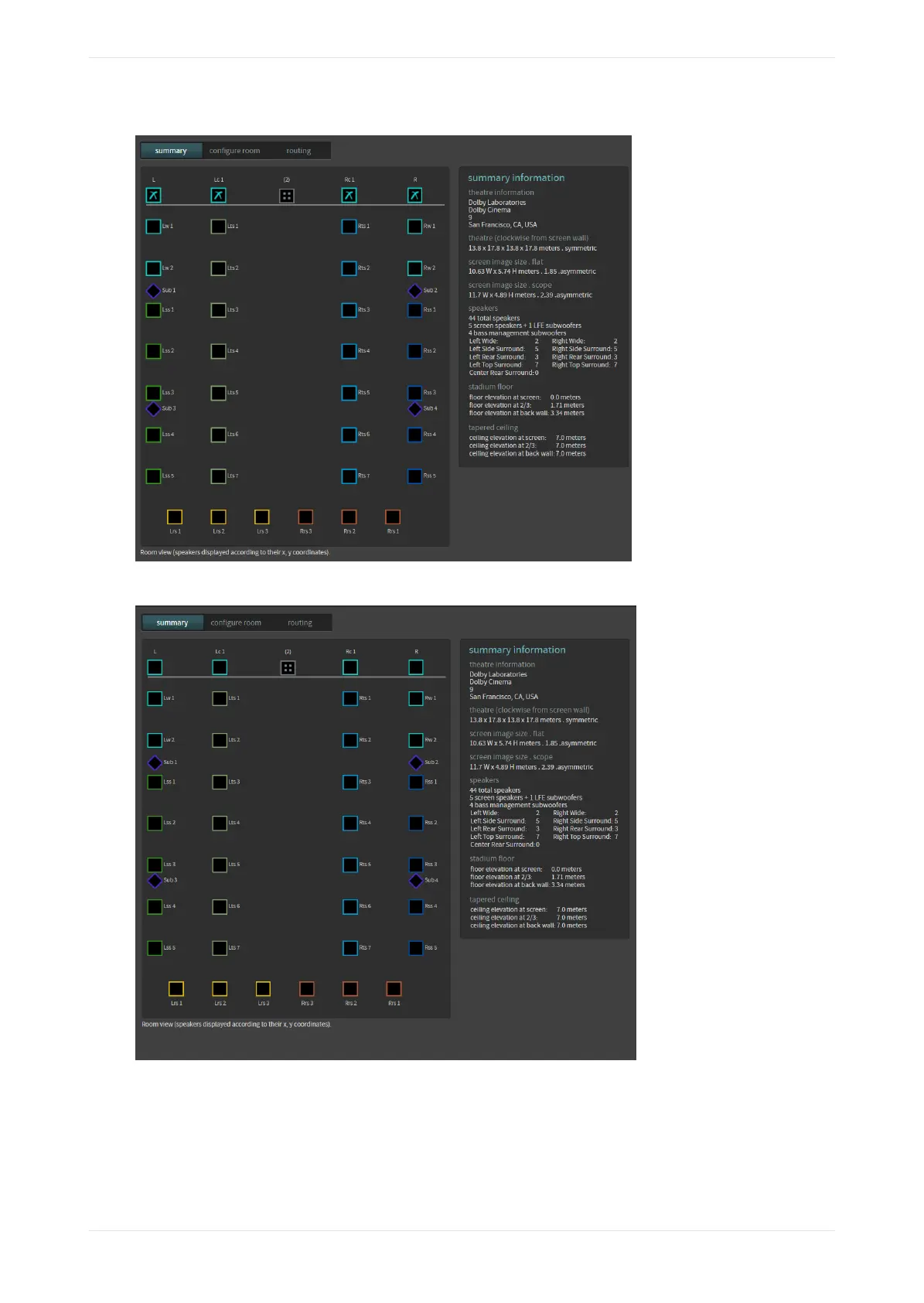
Figure 81: CP950A auditorium summary display (room view with crossovers)
Figure 82: CP950A auditorium summary display (room view with no crossovers)
When you hover your mouse on any of the solid‐colored icons, information appears, as shown in the
following figure. This information includes: channel name, position, array (if assigned to an array), routing,
speaker data (if populated), and bass management assignment (indicating the BM speaker used to help the
highlighted speaker) if bass management is applied.
Working with the web client user interface
Dolby Cinema Processor CP950 and Dolby Atmos Cinema Processor CP950A Manual 64
Issue 9 Part Number 8800298 19 January 2022









 To Next Page