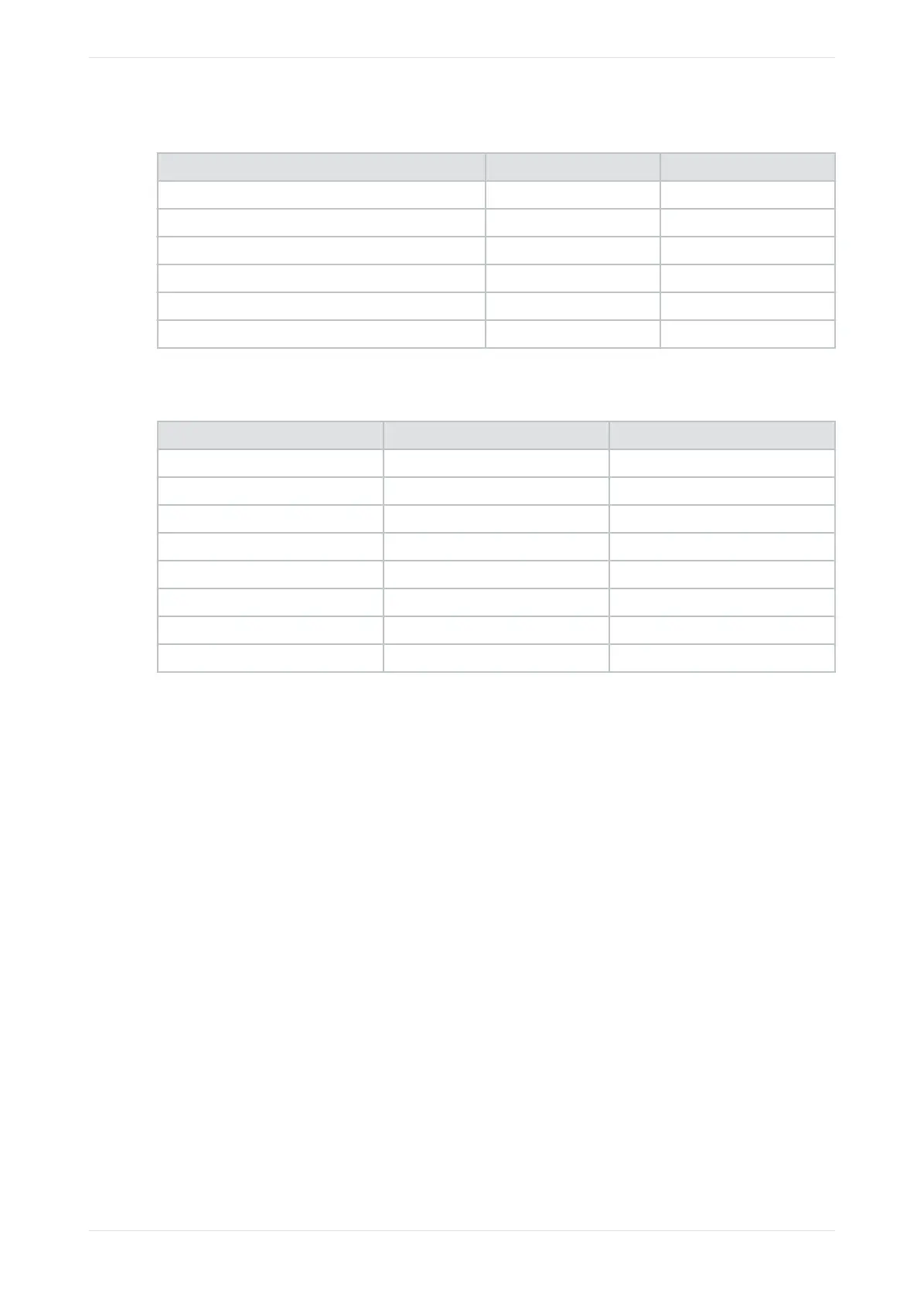
Table 3: Outputs for analog and digital 5.1 configurations
Speaker Analog (top connector) Digital
Le Channel 1 Channel 1
Right Channel 2 Channel 2
Center Channel 3 Channel 3
LFE Channel 4 Channel 4
Le side surround (side and back walls) Channel 5 Channel 5
Right side surround (side and back walls) Channel 6 Channel 6
For analog and digital 7.1 configurations, the system outputs are listed in the following table:
Table 4: Outputs for analog and digital 7.1 configurations
Speaker Analog (top connector) Digital
Le Channel 1 Channel 1
Right Channel 2 Channel 2
Center Channel 3 Channel 3
LFE Channel 4 Channel 4
Le side surround Channel 5 Channel 5
Right side surround Channel 6 Channel 6
Le rear surround Channel 7 Channel 7
Right rear surround Channel 8 Channel 8
Switching between room configurations can take up to one minute.
You may notice that the surround speaker positions are not located exactly where you have physical
speakers. This is normal, as the speakers are spread across a wall surface and a precise display of the
speakers is not needed. The speaker icon primarily shows the output channel. You can see an example in
the following figure.
Configuring the equalization parameters
Dolby Cinema Processor CP950 and Dolby Atmos Cinema Processor CP950A Manual 86
Issue 9 Part Number 8800298 19 January 2022









 To Next Page