Instructions for use Babyleo TN500 SW 1.0n 35
Product description
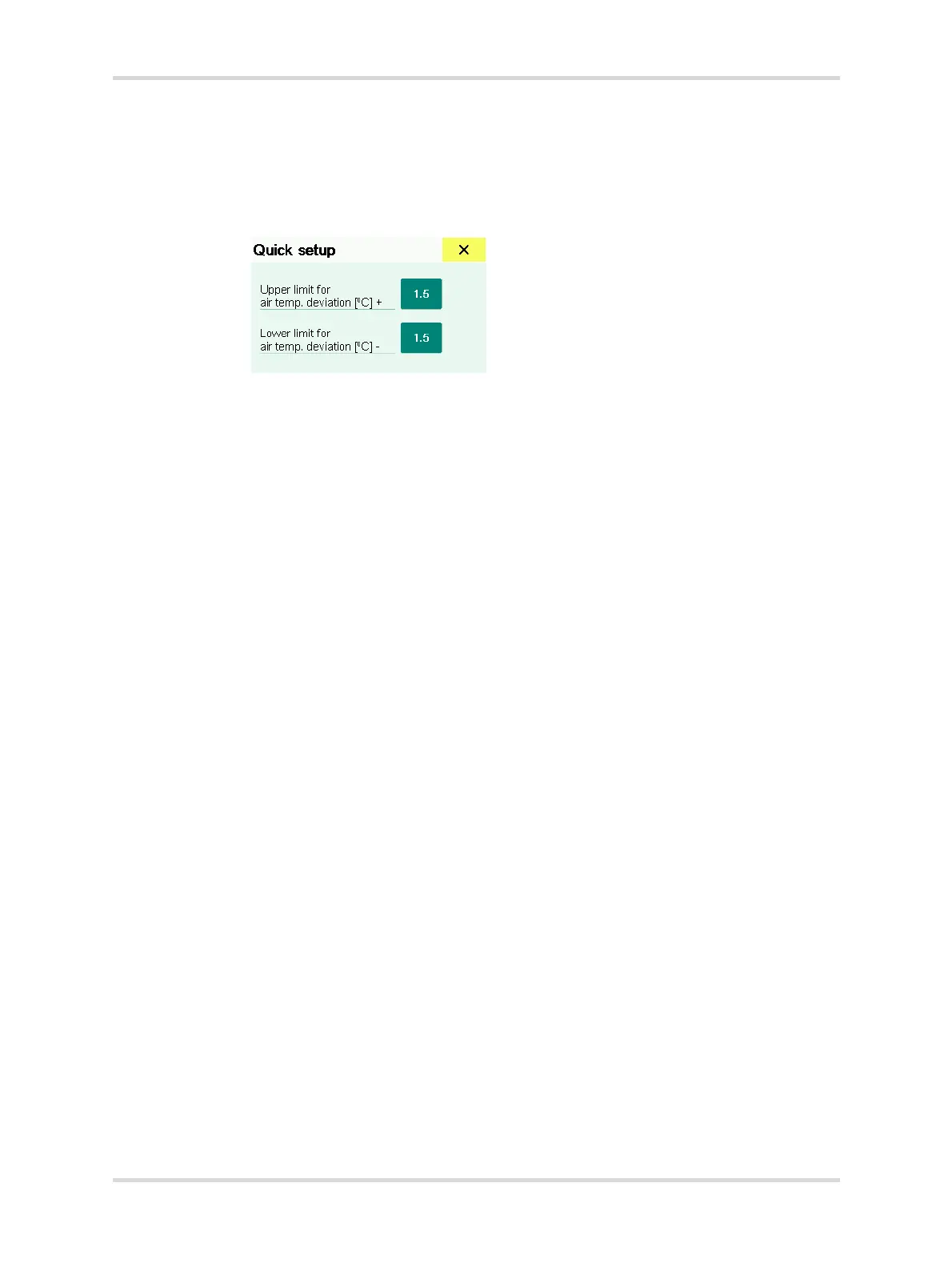
3.2.3 Quick setup dialog window
There are two ways of setting the alarm limits:
– Via the main menu bar in the Alarms... dialog window
– Via the Quick setup dialog window
Fig. 12 Quick setup dialog window for the air temperature (example)
The quick setup dialog window for the alarm limits can be opened by touching the
following parameter fields in the monitoring area:
– Skin temperature
– Air temperature
– Oxygen (option)
– Noise level (option)
– Light level (option)
28482


 To Next Page
 Loading...












