DxO ONE - User Guide - Copyright © DxO Labs 1999-2015 - All rights reserved 100
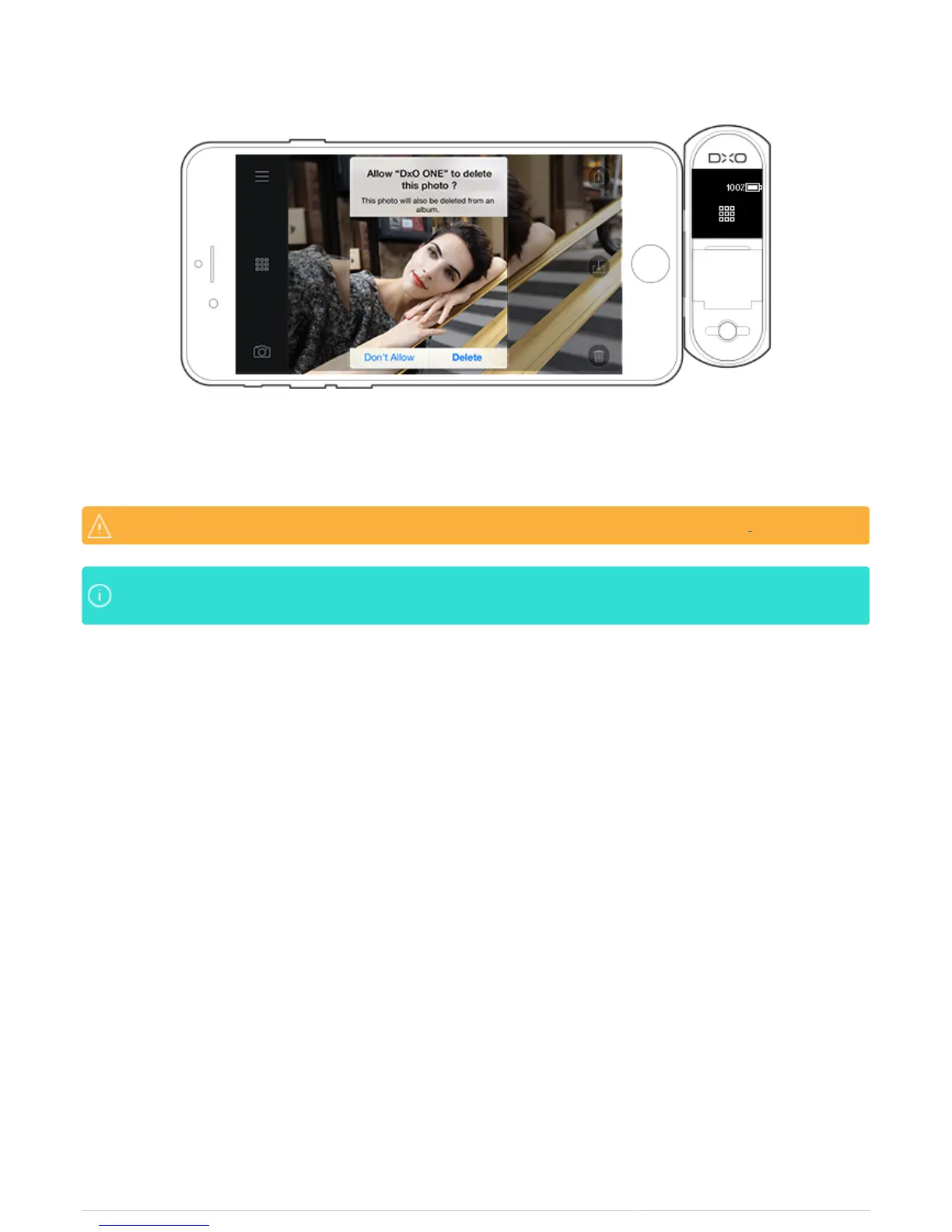
4. Tap Delete to confirm.
Photos are deleted from the microSD card and the iPhone if you’ve chosen to store photosPhotos are deleted from the microSD card and the iPhone if you’ve chosen to store photos there.there.
If you have iCloud Photo Library enabled, you will be warned that deleting the photo will delete it fromIf you have iCloud Photo Library enabled, you will be warned that deleting the photo will delete it from
all your devices. all your devices.



 To Next Page