DxO ONE - User Guide - Copyright © DxO Labs 1999-2015 - All rights reserved 52
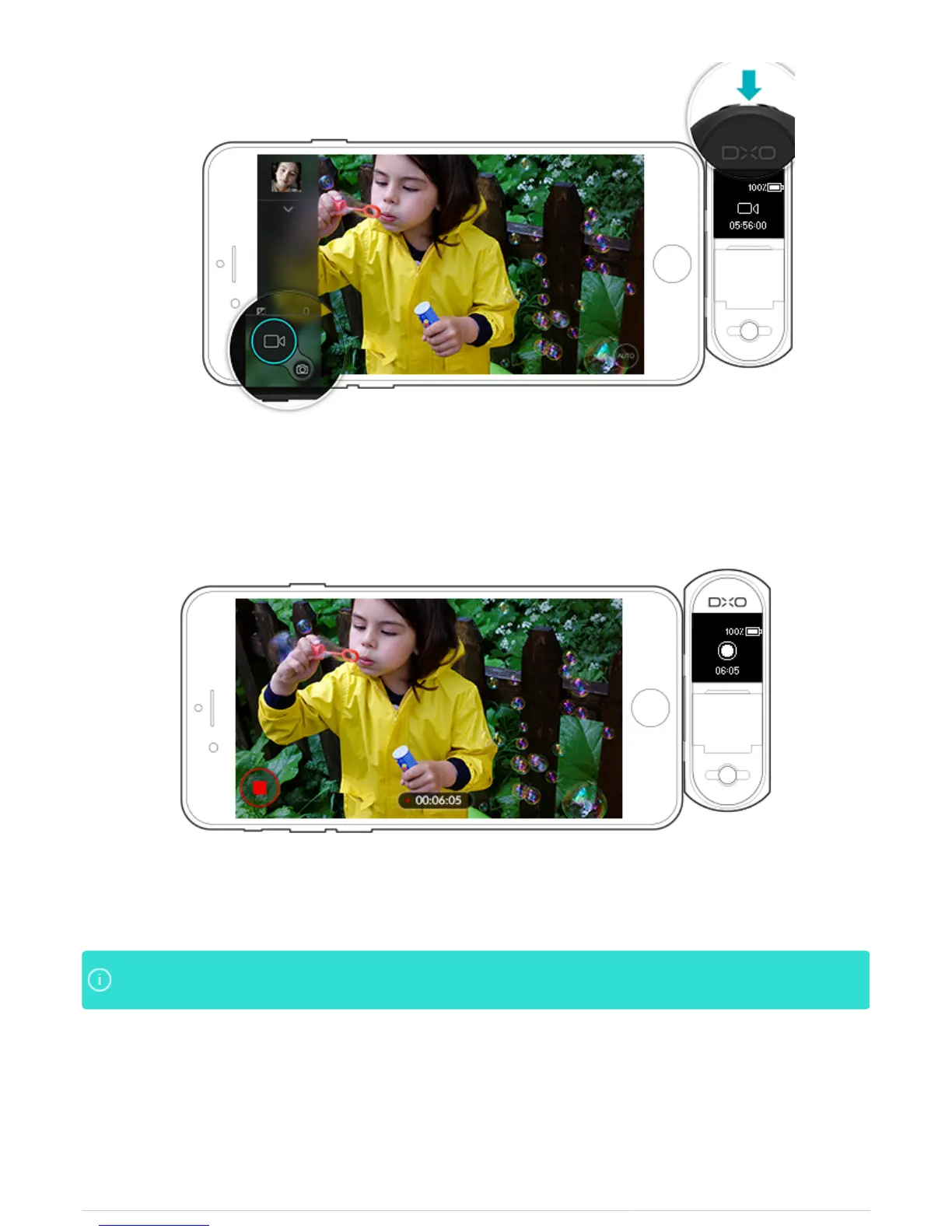
2. The app shutter button will turn red when recording and the app will display the time elapsed during the
recording.
3. The DxO ONE OLED will display a flashing dot to indicate that recording has started.
You may capture still photos during Auto video recording only (1080p, 30fps). To capture a still photoYou may capture still photos during Auto video recording only (1080p, 30fps). To capture a still photo
while recording video, tap the soft shutter button located above the video record button.while recording video, tap the soft shutter button located above the video record button.
Selecting the recording mode
There are three recording modes available to you: Auto (1080p, 30fps) by default, Slow Motion (702p, 120fps)
and Manual.



 To Next Page