DxO ONE - User Guide - Copyright © DxO Labs 1999-2015 - All rights reserved 80
Remote Control
Controlling the DxO ONE via Wi-Fi
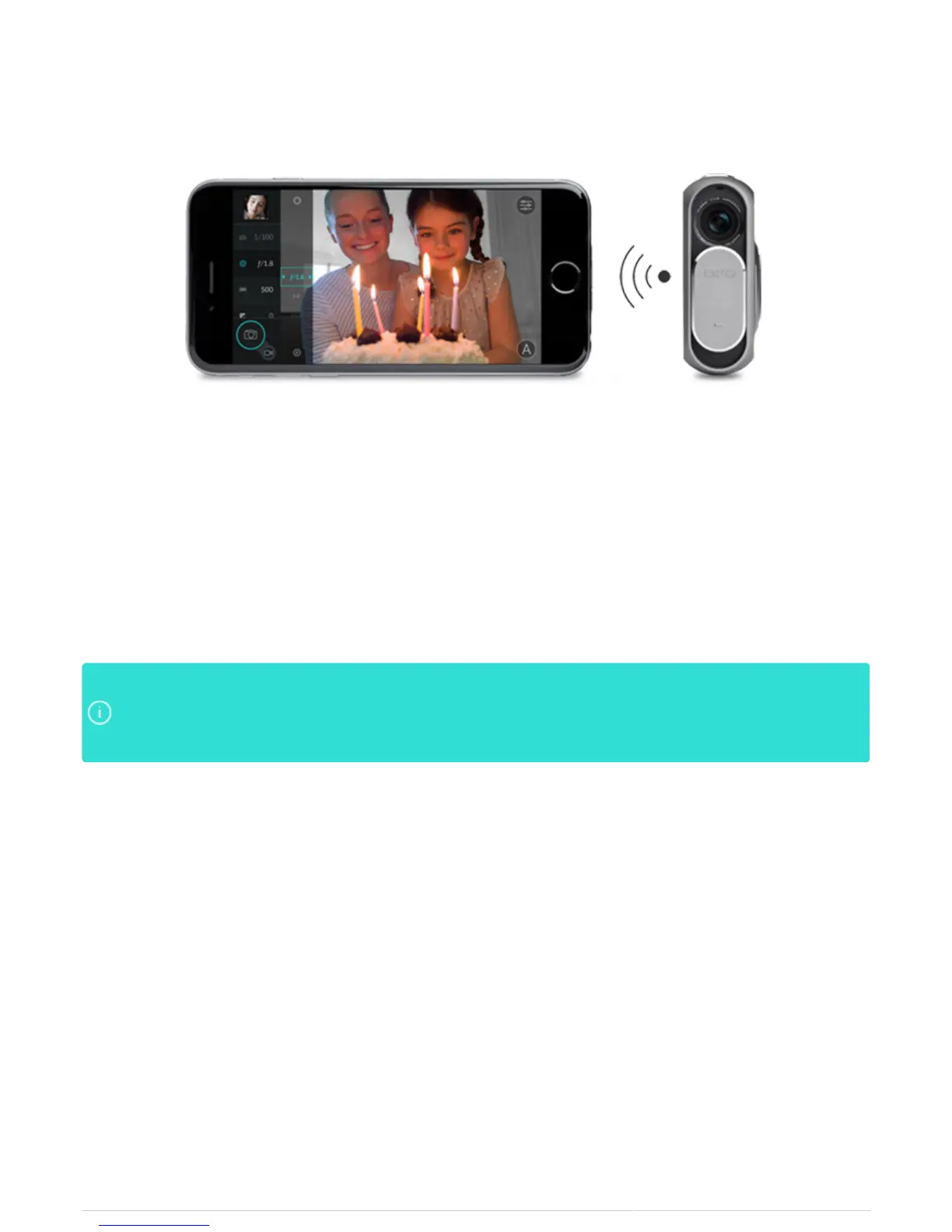
The DxO ONE can be disconnected and controlled remotely via its built-in Wi-Fi mode, which lets you use a local
network (such as the one at your home or office), or via Wi-Fi Direct, which is a wireless access point that
connects your iPhone directly to your camera. With Wi-Fi Direct, you can remotely control the ONE wherever you
go, even if you’re in the middle of nowhere.
Once you’ve connected your phone and camera, the DxO ONE transforms your iPhone into a remote viewfinder.
You can also access all of your camera’s controls, features, and settings from your phone. Controlling your
camera remotely makes it easier to take certain types of photographs, including group selfies and long
exposures, and you can even shoot from creative angles.
By connecting to a local Wi-Fi network, you can leave your iPhone free to connect to the InternetBy connecting to a local Wi-Fi network, you can leave your iPhone free to connect to the Internet
separately, either to share photos or to use the connection for its usual services. A direct connectionseparately, either to share photos or to use the connection for its usual services. A direct connection
between the iPhone and DxO ONE is faster and more reliable, especially if many devices are alreadybetween the iPhone and DxO ONE is faster and more reliable, especially if many devices are already
using your Wi-Fi network.using your Wi-Fi network.



 To Next Page