DxO ONE - User Guide - Copyright © DxO Labs 1999-2015 - All rights reserved 4
Getting started
Make sure the battery is charged
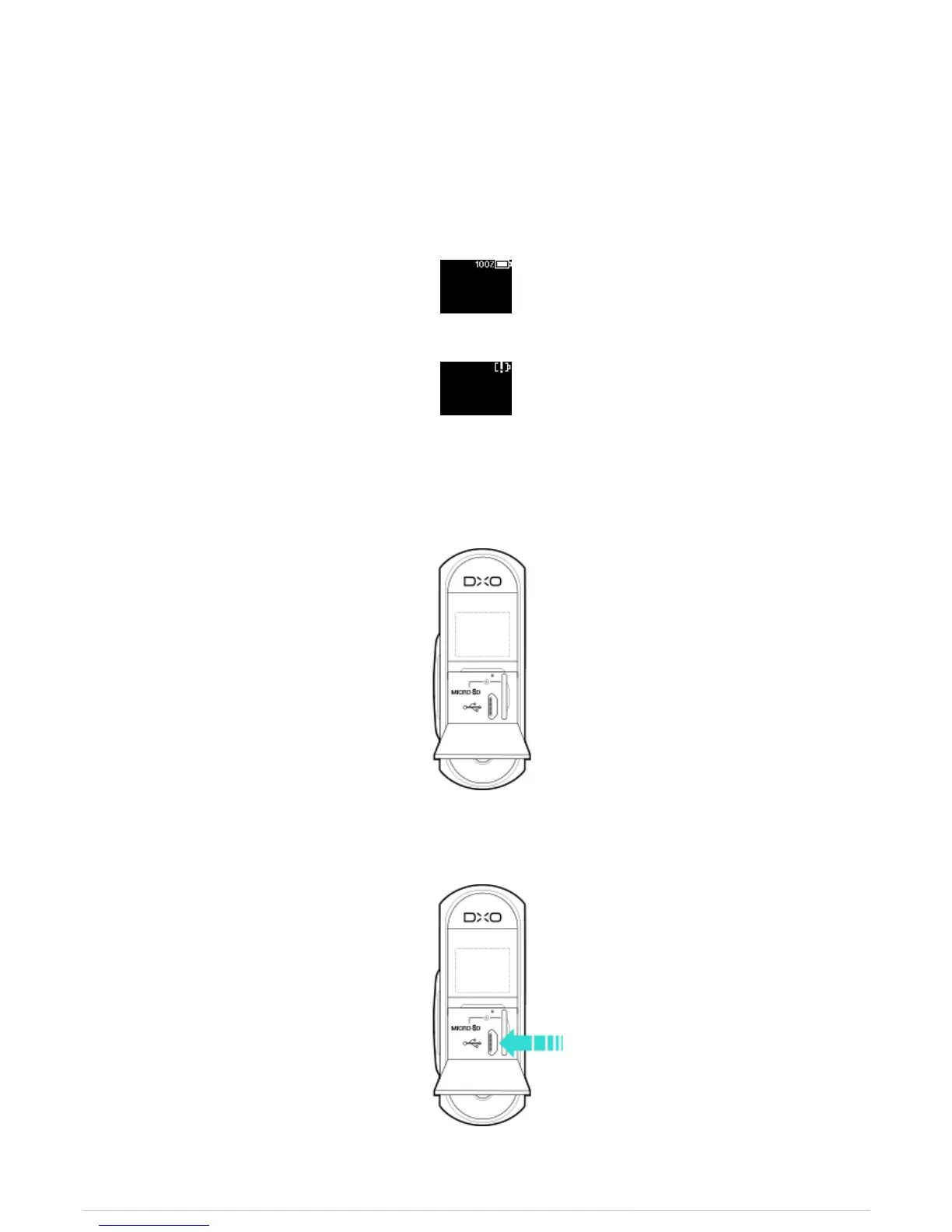
The DxO ONE includes an integrated lithium-ion battery. It can be charged by using the provided DxO ONE USB
cord and wall charger plug. The amount of charge available in the camera battery is displayed on the camera
OLED screen:
Battery charged
Battery uncharged
Charging the battery using the DxO ONE wall charger plug
1. Open the rear door of the camera by pulling the latch door toward you.
2. Insert the USB cord into the USB slot, and attach the other end to the wall charger plug.



 To Next Page