DxO ONE - User Guide - Copyright © DxO Labs 1999-2015 - All rights reserved 111
Advanced features
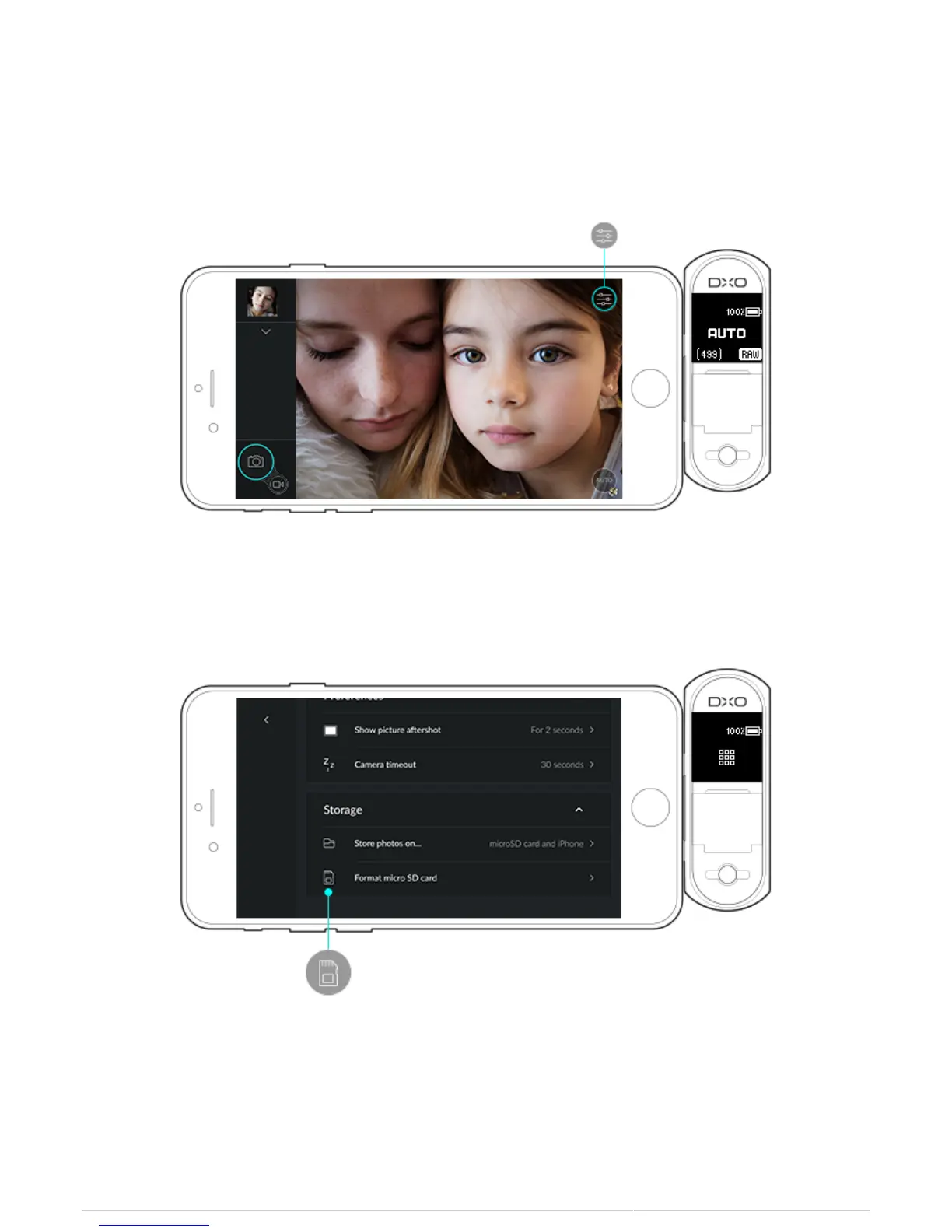
Formatting the microSD Card
1. In Capture mode, tap on the Capture settings button on the top right.
2. Go into the Storage section on the very bottom of the Capture settings screen.
3. Tap on Format microSD card.
4. In the dialog box that opens, tap on Format.



 To Next Page