DxO ONE - User Guide - Copyright © DxO Labs 1999-2015 - All rights reserved 121
Settings
Capture settings
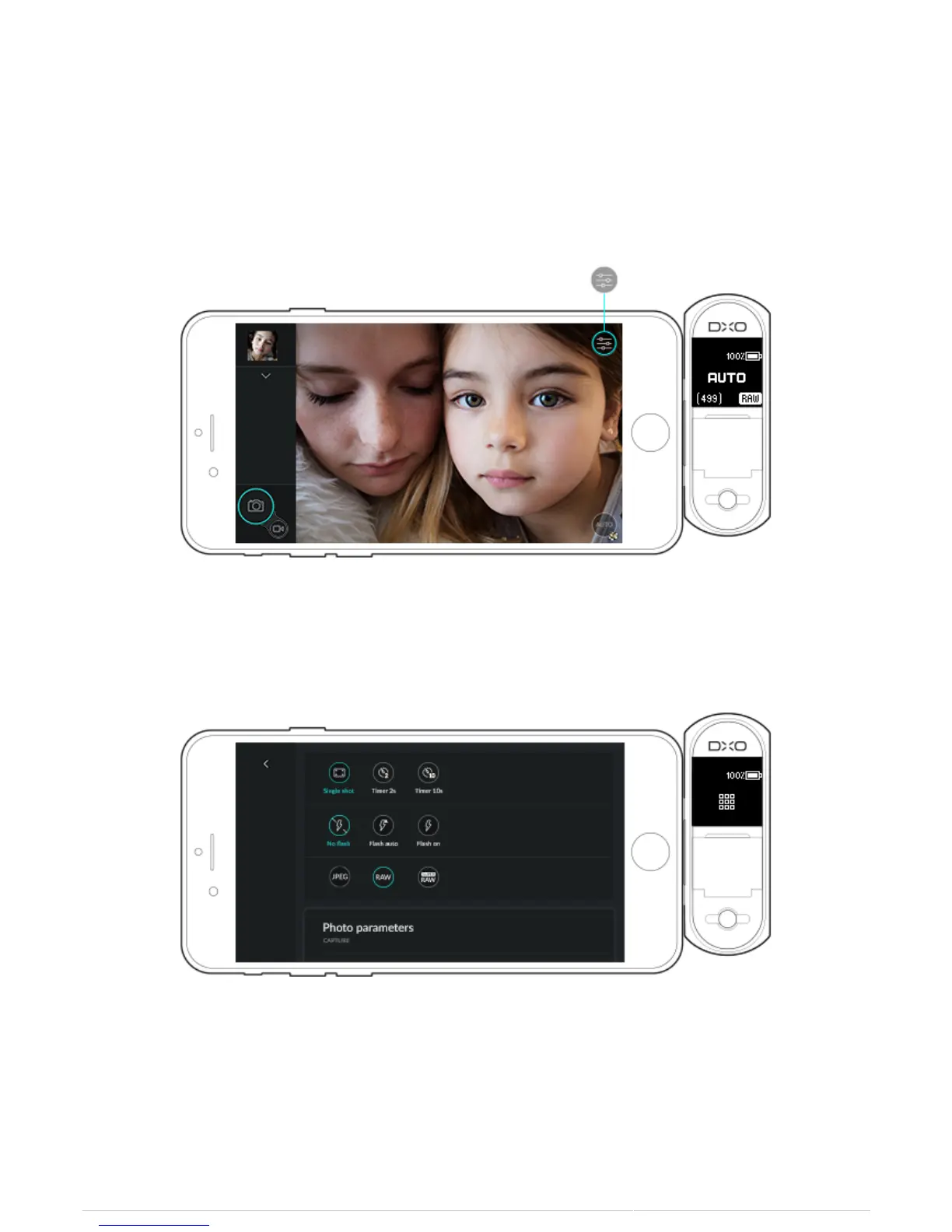
Opening the camera settings menu
1. While in capture mode, tap the capture settings button on the top right of the screen.
2. To access the different sections, use your finger to scroll through the settings page.
3. A closed section (arrow pointing downward) will show only its title. Tap it to open up the contents, and tap it
again to close the section.



 To Next Page