DxO ONE - User Guide - Copyright © DxO Labs 1999-2015 - All rights reserved 29
Stand-alone capture modes
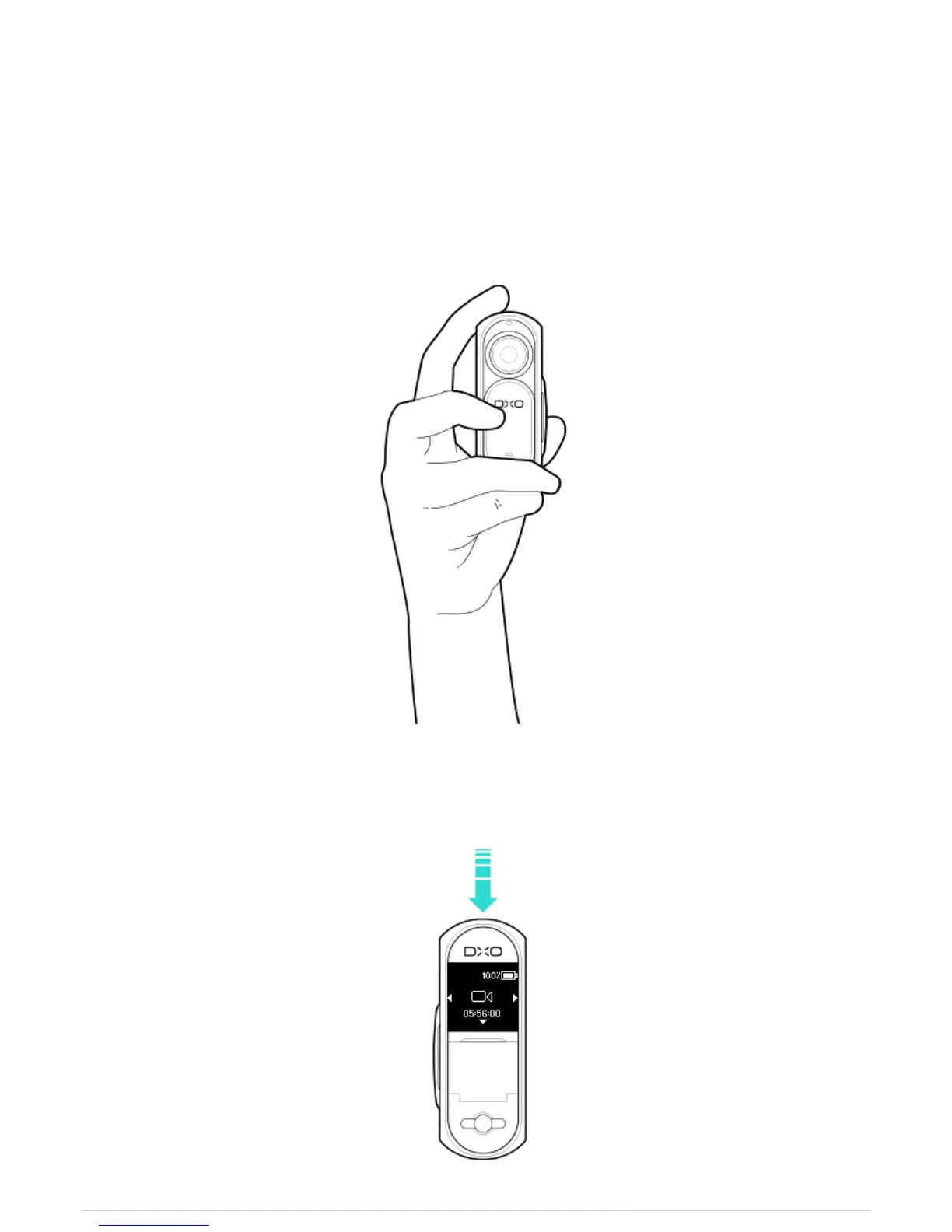
Recording a video
1. Select the video recording mode.
2. Hold the camera so that the lens faces toward your subject and the shutter button is at the top of the
device. Take care not to accidentally put your finger in front of the lens.
3. If you want to use the framing assistant, sweep the screen from the bottom to the top.
4. Press and release the shutter button on the DxO ONE to start recording.



 To Next Page