DxO ONE - User Guide - Copyright © DxO Labs 1999-2015 - All rights reserved 129
Assistance
OLED status screenOLED status screen
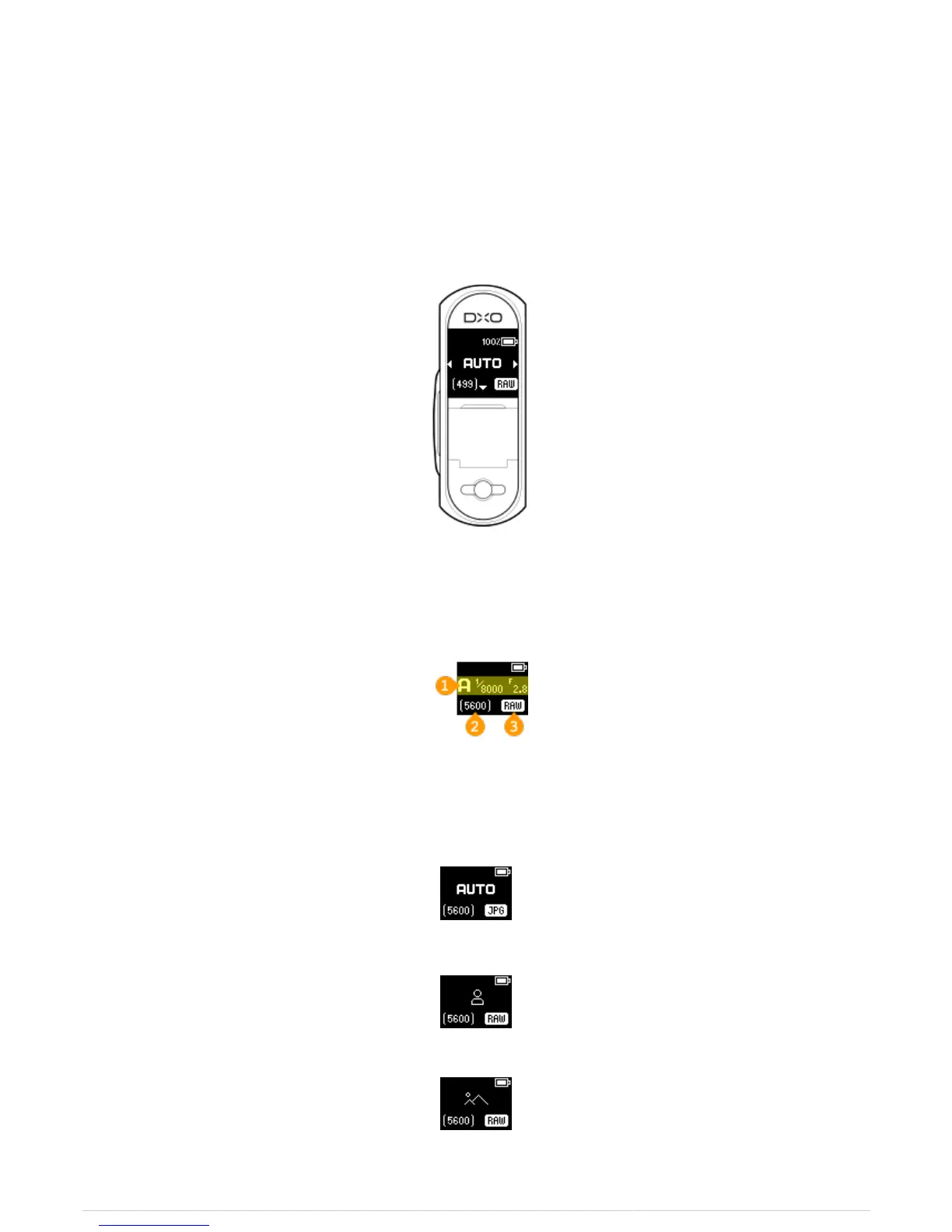
The OLED Display on the DxO ONE provides information in both connected and standalone modes about the
battery charge level, the shooting mode and file type selected, the image count remaining on the microSD card,
the file type being recorded, as well as error messages if something goes wrong. It also provides you with an
easy way to switch between still photos and video mode when using the ONE in standalone mode.
Connected Still Shooting Modes
Screen Components
1: Capture Mode
2: Image Count
3: File Type
Auto Mode
Scene Modes
Portrait
Landscape



 To Next Page