DxO ONE - User Guide - Copyright © DxO Labs 1999-2015 - All rights reserved 78
Connected capture modes
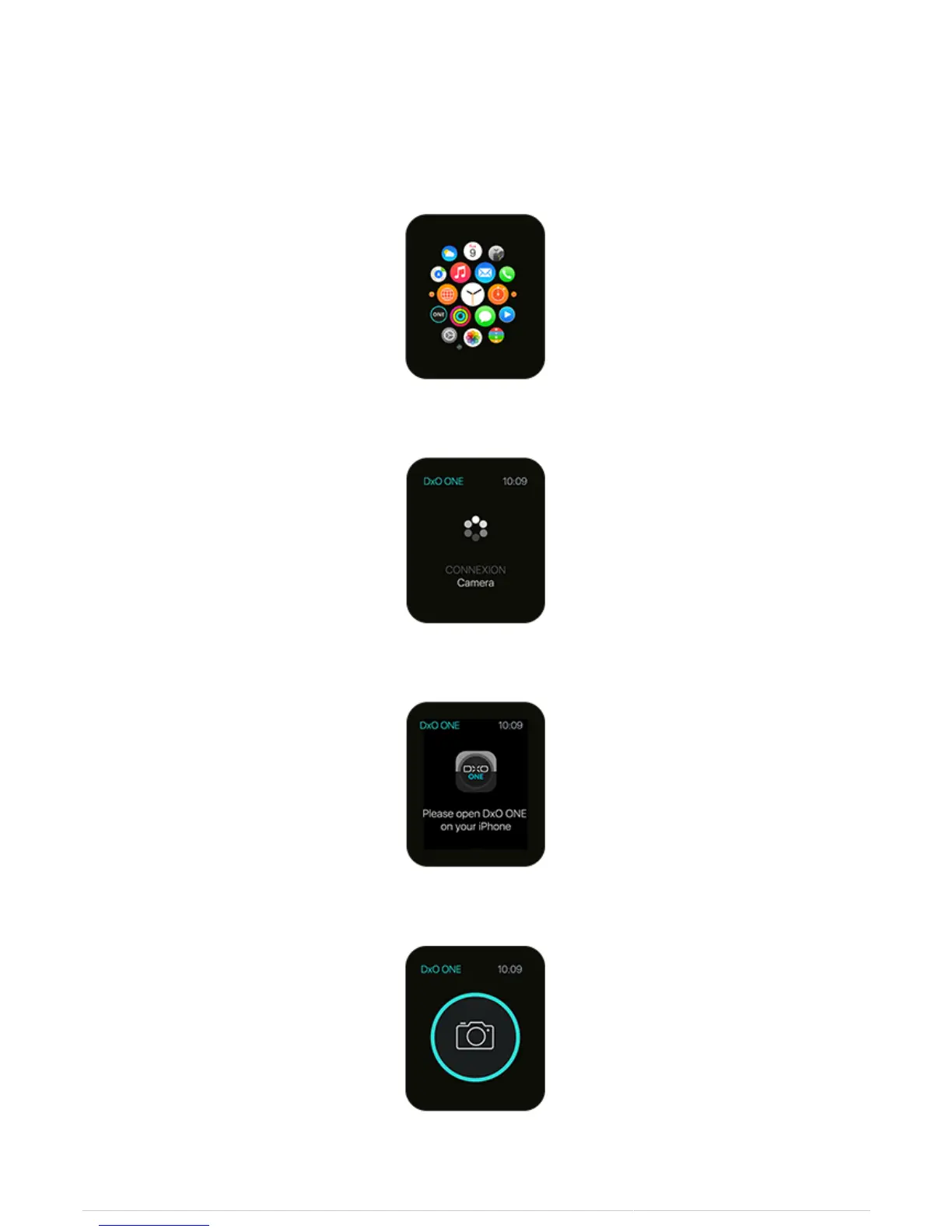
Shutter triggering with Apple Watch
1. On your Apple Watch, launch the ONE triggering application.
2. Connect the ONE to your iPhone.
3. Launch the DxO ONE application on your iPhone.
4. As soon as the connection is established, the triggering button on the Apple Watch will light up.
5. Shoot your photo.



 To Next Page