DxO ONE - User Guide - Copyright © DxO Labs 1999-2015 - All rights reserved 43
Connected capture modes
Advanced modes
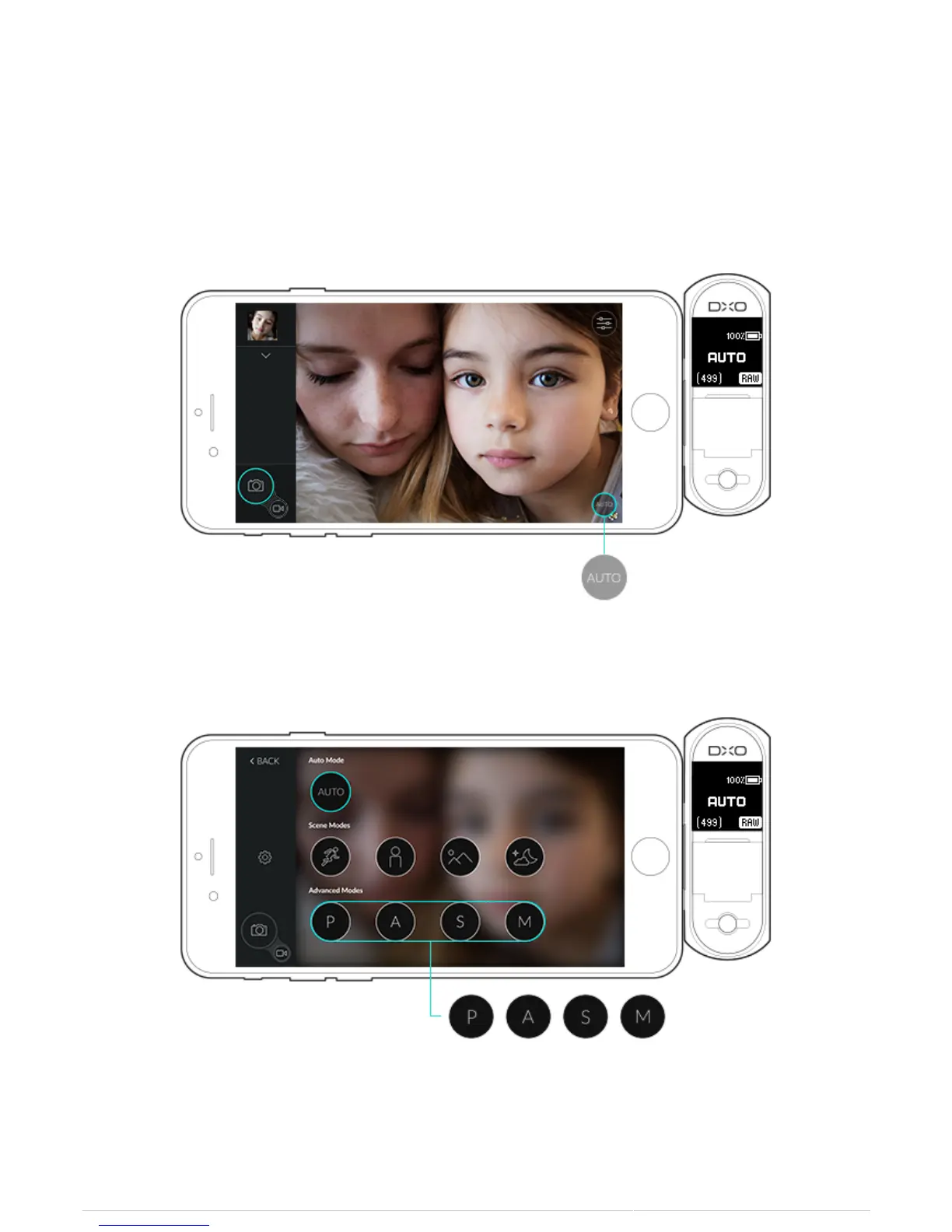
1. To access the advanced modes, tap the capture mode selector displayed on the iPhone screen at the bottom
right.
2. Tapping this button will open the display of the different capture modes available to you.
3. Tap the mode icon to select the advanced mode that you wish to use.
4. When an advanced mode is selected, the toolbar on the left expands to reveal the advanced controls:



 To Next Page