DxO ONE - User Guide - Copyright © DxO Labs 1999-2015 - All rights reserved 48
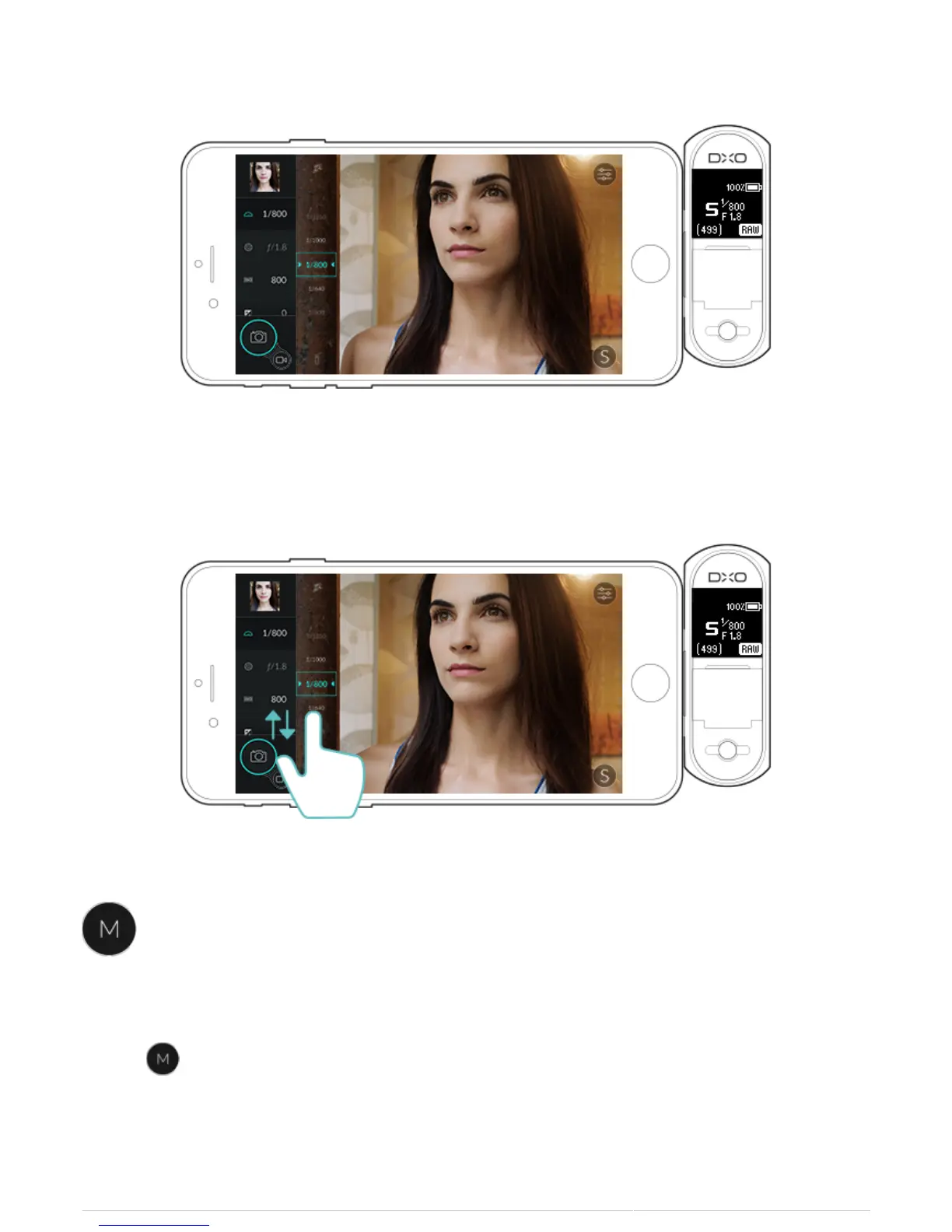
3. To change shutter speed, dial the picker up or down until you find the speed that you wish to select.
Manual Mode
When in M Mode, Shutter speed, Aperture, ISO, Metering Mode, Autofocus and White balance settings will be
active, and tapping each icon in turn will open the associated picker.
1. Select to open Manual mode.



 To Next Page