DxO ONE - User Guide - Copyright © DxO Labs 1999-2015 - All rights reserved 113
Advanced features
Conserving battery power
To conserve the battery power of both your DxO ONE camera and your iPhone, we recommend that you turn off
the DxO ONE when not actively taking photos or shooting video. You can also put the ONE into standby mode.
To put the DxO ONE into standby mode
1. In Capture mode, tap on the Capture settings button in the upper right.
2. In the Capture settings, scroll until you get to the Preferences section.
3. Tap on Camera timeout delay.
4. In the floating menu, tap on one of the values (30 seconds, 2 minutes, or 5 minutes).
5. After the selected time elapses, the DxO ONE goes into standby mode, and a message to that effect is
displayed on your iPhone screen and on the camera screen.
6. To reactivate the camera, touch the screen of your iPhone or press down the ONE’s shutter half-way. This will
return the camera to Capture mode.
If, after several minutes in standby mode, you do not use the ONE, it will turn itself off, even if theIf, after several minutes in standby mode, you do not use the ONE, it will turn itself off, even if the
lens cover is open, and the application will switch to Grid photo display mode. If this happens, you willlens cover is open, and the application will switch to Grid photo display mode. If this happens, you will
need to restart the ONE by first closing and then reopening the lens cover.need to restart the ONE by first closing and then reopening the lens cover.
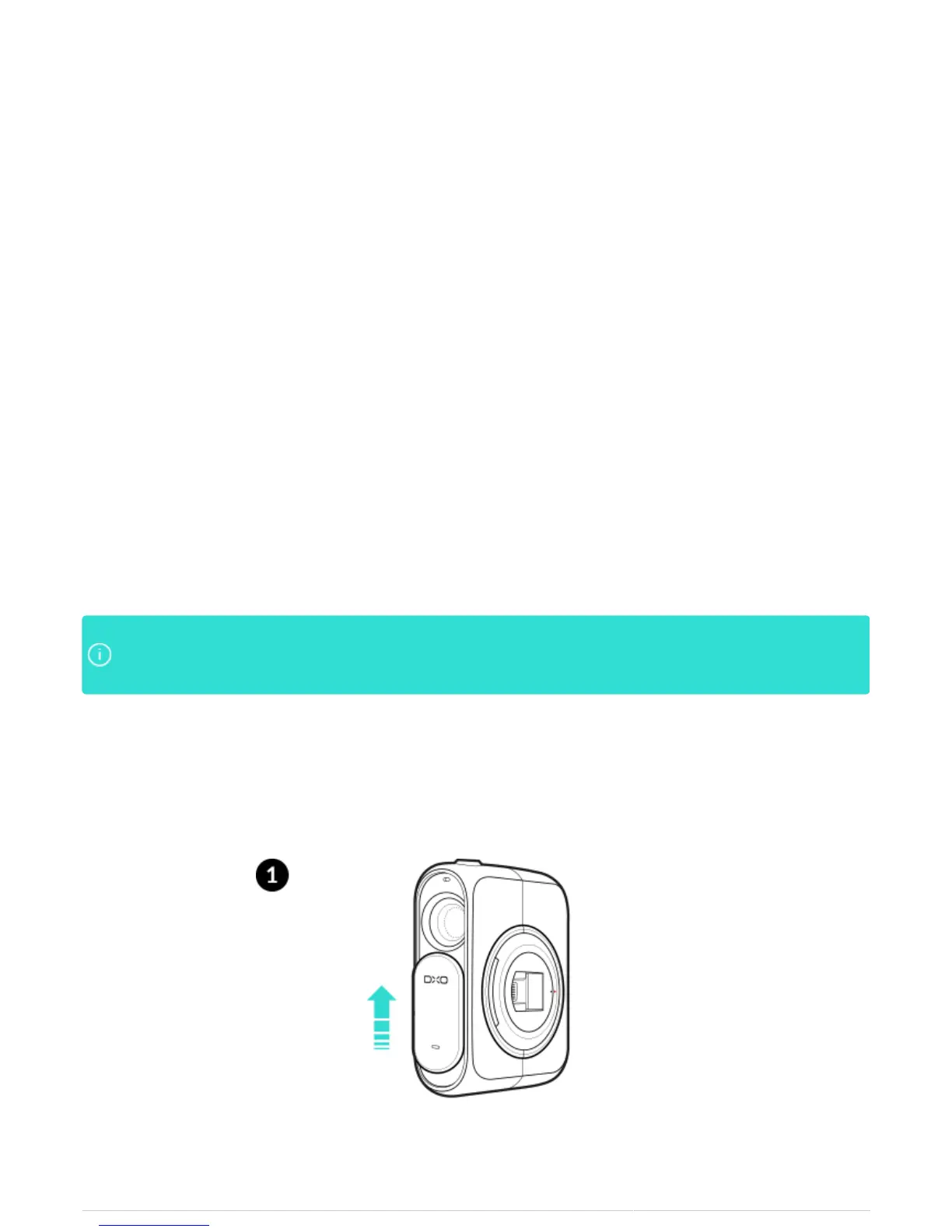
Turning off the DxO ONE to save battery power
1. To put the ONE to sleep while it is still attached to your iPhone, slide the lens cover upwards to power off the
camera.



 To Next Page