DxO ONE - User Guide - Copyright © DxO Labs 1999-2015 - All rights reserved 116
Advanced Features
Firmware updates
The firmware is the software that is installed on the device itself. Keeping the firmware up to date ensures that
you are getting the best experience and best image quality from the DxO ONE. It’s important to keep your
firmware updated with the latest version of the iOS app.
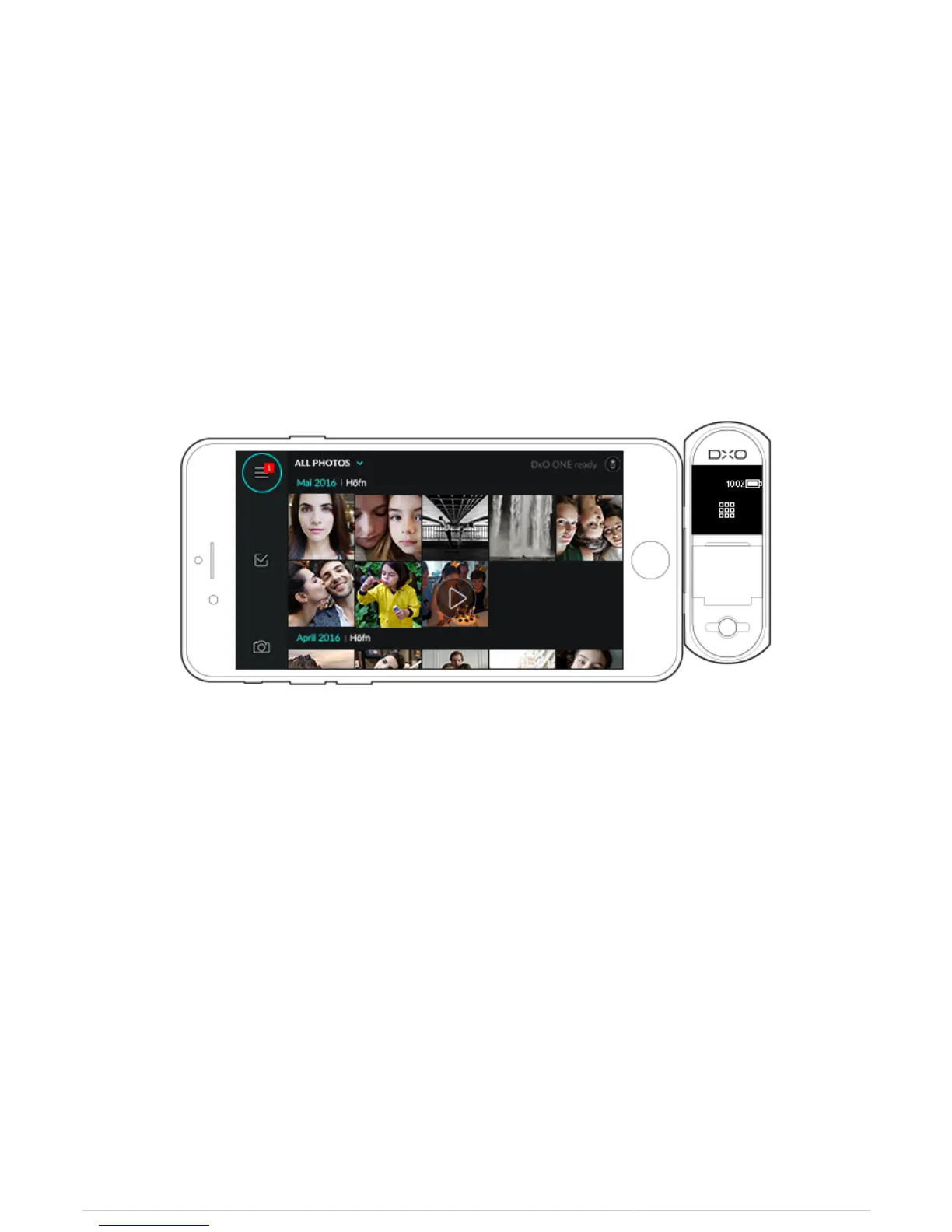
The availability of an update is signaled by a red dot:
1. On the Application menu icon on top part of the left-hand toolbar (after quitting the capture screen by tapping
on the Gallery preview on the upper left).
2. In the Update firmware section (after tapping on the Application menu icon on the upper left).



 To Next Page