DxO ONE - User Guide - Copyright © DxO Labs 1999-2015 - All rights reserved 1
Introduction
Welcome to DxO ONE
Your are part of a world of people who really care about great images.
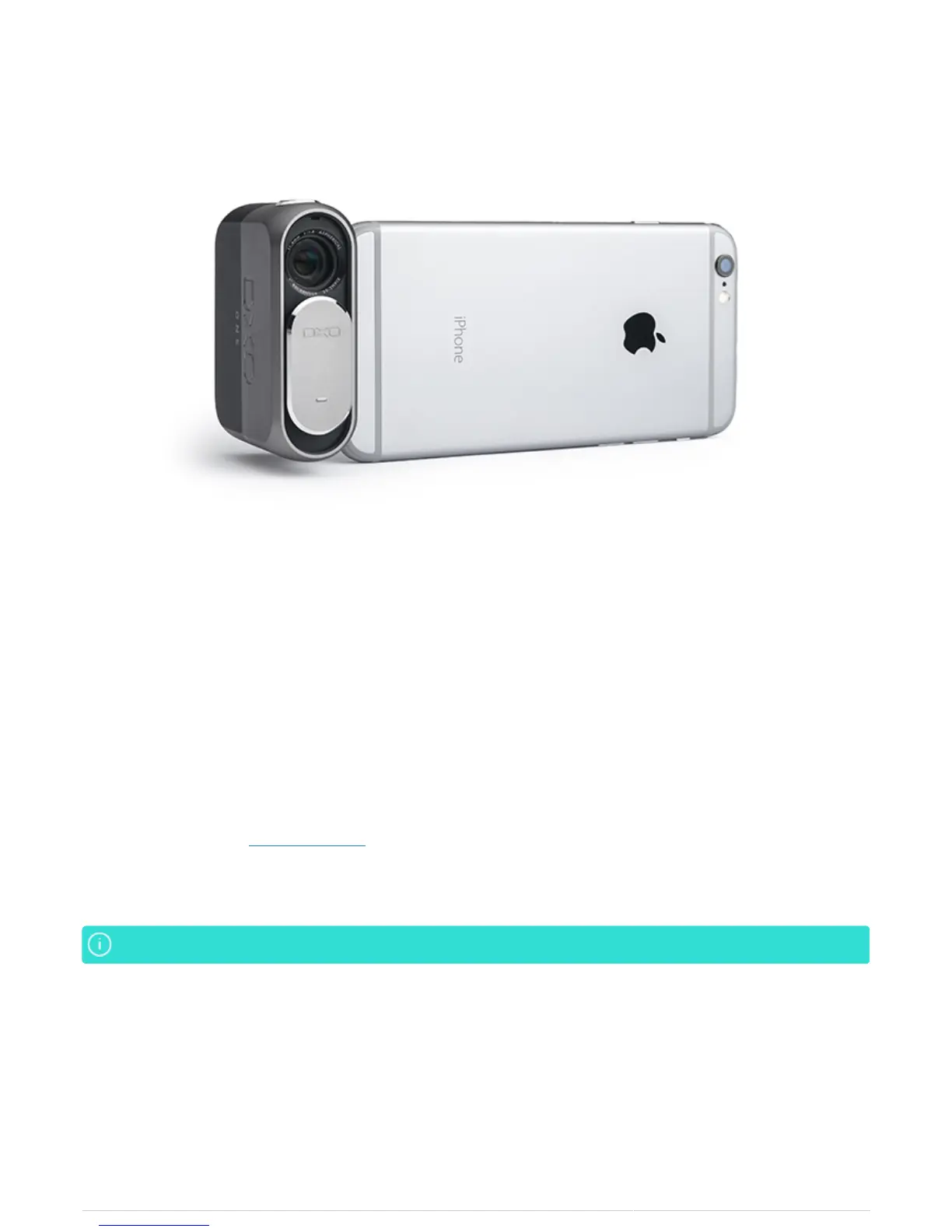
Your DxO ONE was designed in Paris and San Francisco by a team of top image scientists and engineers. It
leverages DxO's world-renowned image processing capabilities to produce professional quality photograps that
are seamlessly transferred to your iPhone and iPad so you can instantly share them with friends, family and
followers.
In this user documentation, we’ll introduce you to the DxO ONE camera, the companion iOS app that controls the
camera when connected to your iPhone or iPad, and DxO Connect, the complementary desktop software that
enables you to make your best photos even better.
If there's a topic or question that isn't covered here, please reach out to us. Our DxO Customer Support team is
always ready to help at support.dxo.com.
Be sure to capture (and share) your best moments, wherever the DxO ONE takes you.
We’ll use iPhone to refer to both iPhone and iPad going forward.We’ll use iPhone to refer to both iPhone and iPad going forward.



 To Next Page