DxO ONE - User Guide - Copyright © DxO Labs 1999-2015 - All rights reserved 81
Remote Control
Connecting the DxO ONE to an existing Wi-Fi
network
1. Make sure your Iphone is connected to a local Wi-Fi network.
2. Connect the DxO ONE to your iPhone, and turn it on to launch the iOS application.
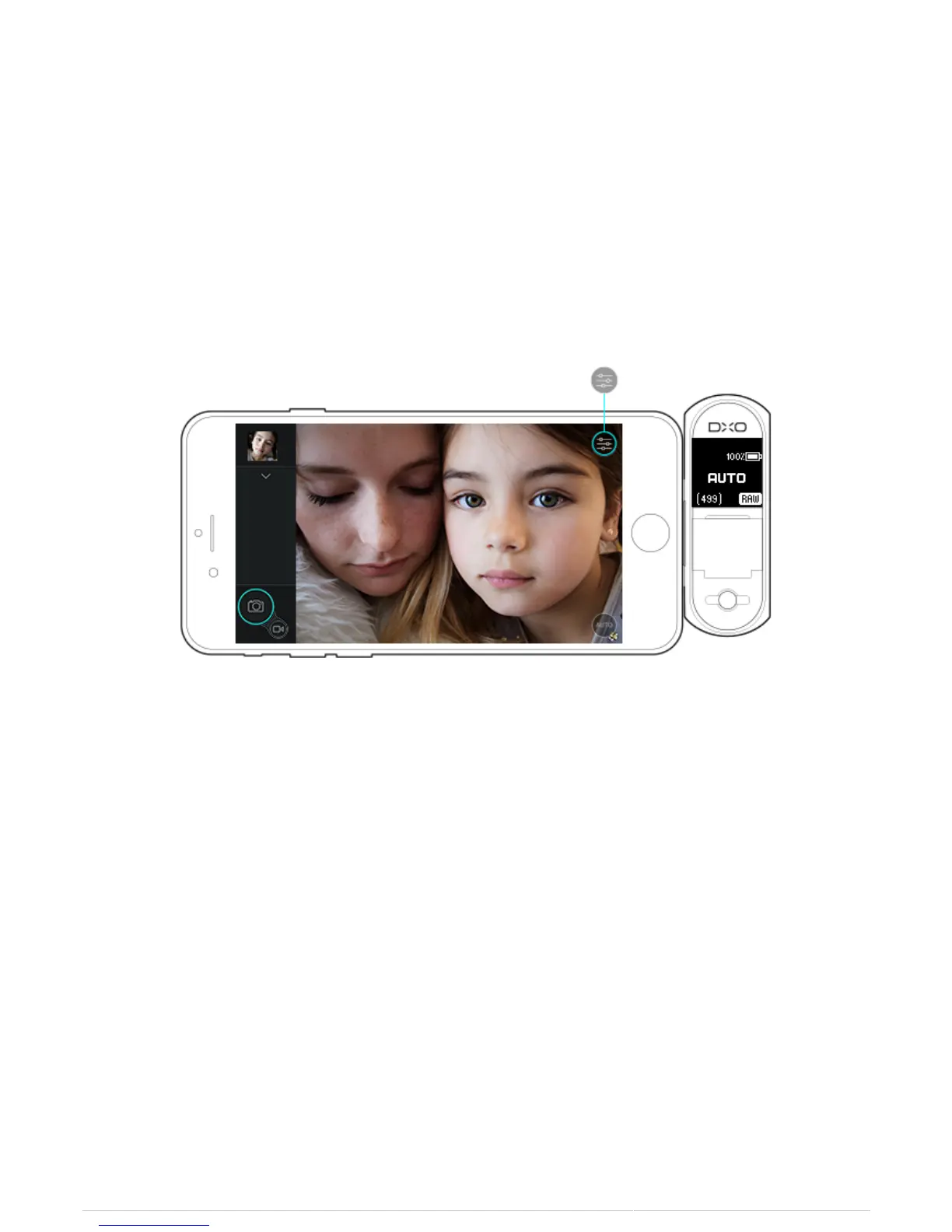
3. Touch the Shooting Settings icon.
4. Scroll down to the Remote Control section.
5. Touch the sidebar to the right of Connect through a Wi-Fi Network.



 To Next Page