DxO ONE - User Guide - Copyright © DxO Labs 1999-2015 - All rights reserved 32
Stand-alone capture modes
Transferring images to your iPhone
After you have shot in standalone mode, you can transfer both photo and video images from your camera
directly to you iPhone.
Transferring images one by one
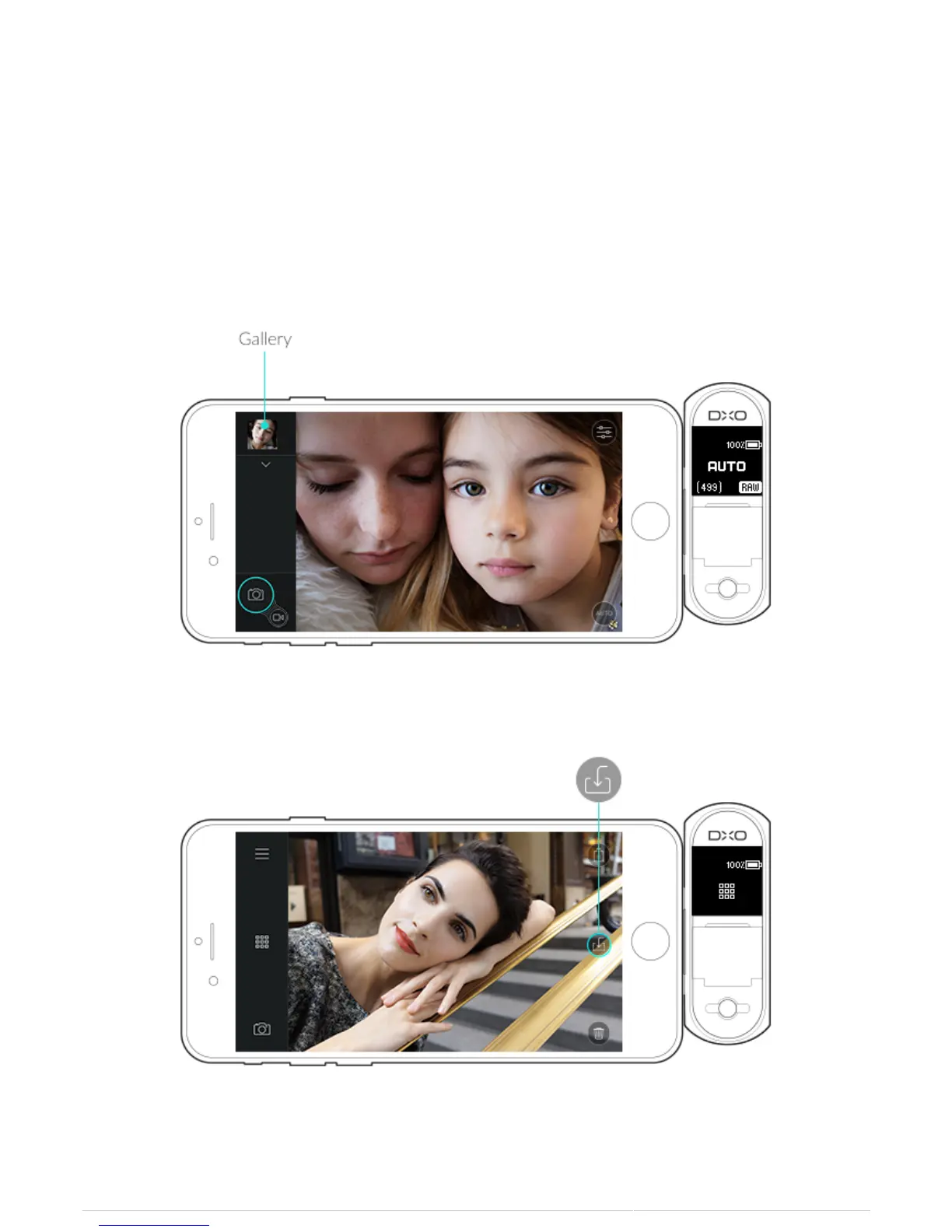
1. After reconnecting your camera to your iPhone, press on the Gallery button to open the preview.
2. Tap on the Save Image button in the upper right of the screen to copy your image into your iOS Photos library.



 To Next Page