DxO ONE - User Guide - Copyright © DxO Labs 1999-2015 - All rights reserved 47
Speed Priority
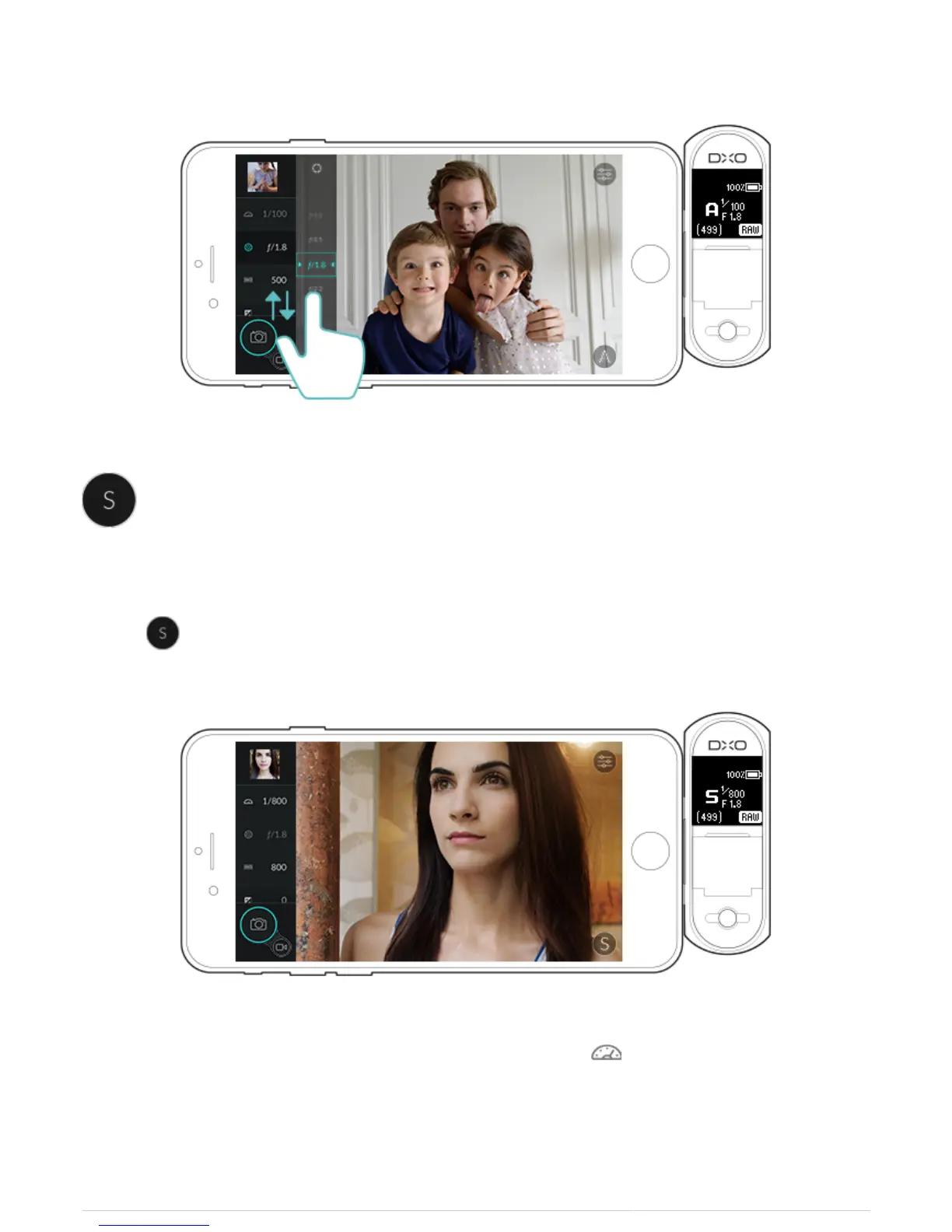
Speed Priority mode allows you to control the shutter speed that you wish to use for your photo. The DxO ONE
will pick the corresponding aperture to achieve the best exposure based on your chosen shutter speed.
1. Select to open Speed Priority mode.
2. The shutter settings will be active, and tapping the shutter speed icon will open the shutter speed picker.



 To Next Page