DxO ONE - User Guide - Copyright © DxO Labs 1999-2015 - All rights reserved 118
Advanced Features
Processing your images with DxO Connect
Apply automated image processing to your best DxO ONE photos to make them look even better.
1. Download DxO Connect from our website.
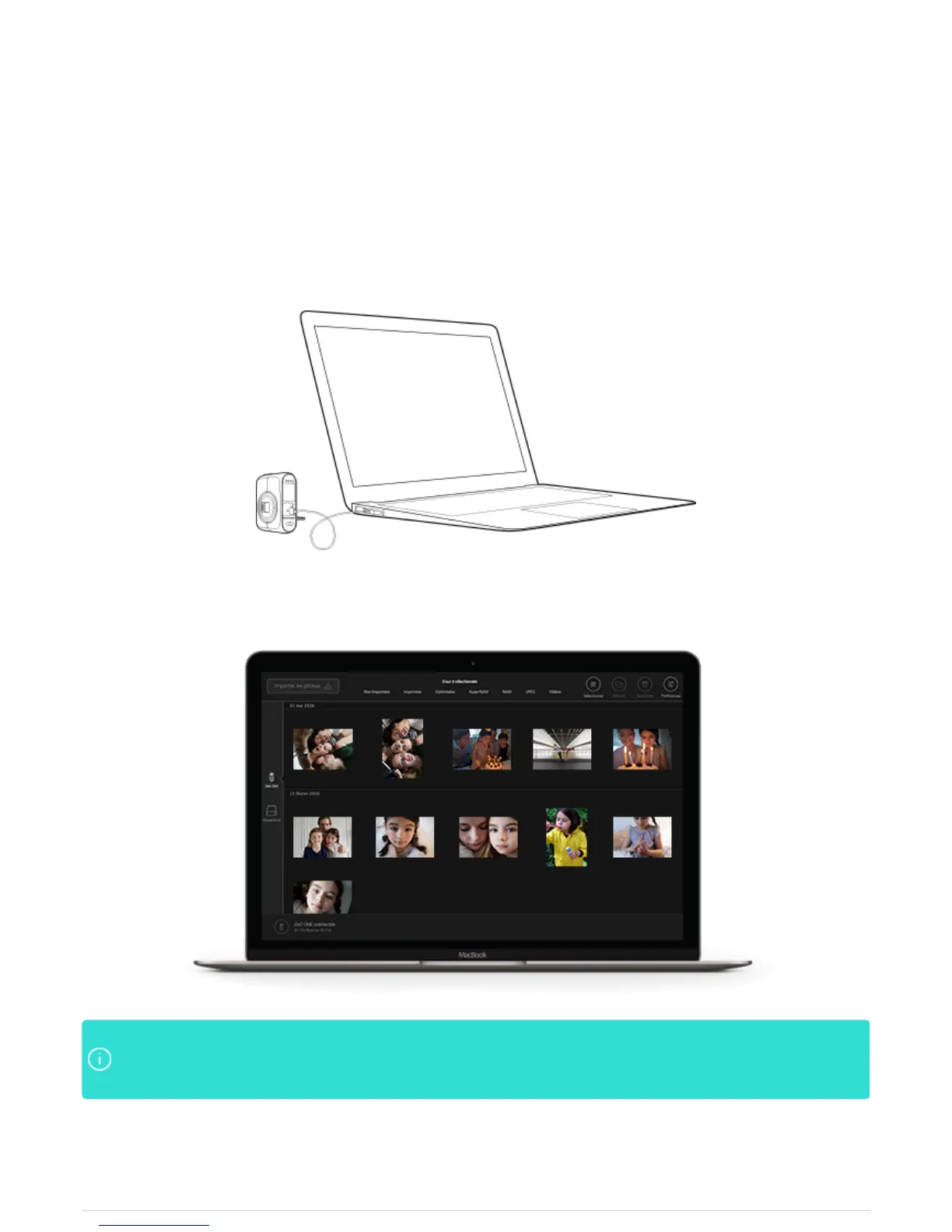
2. Plug the DxO ONE into your Mac or PC.
3. DxO Connect will automatically launch and allow you to apply image processing to your selected photos.
You may also use DxO Connect to import your DxO ONE photos directly to DxO FilmPack to applyYou may also use DxO Connect to import your DxO ONE photos directly to DxO FilmPack to apply
analog film looks to your digital images, or to DxO OpticsPro which allows you to control every aspectanalog film looks to your digital images, or to DxO OpticsPro which allows you to control every aspect
of the RAW image.of the RAW image.



 To Next Page