DxO ONE - User Guide - Copyright © DxO Labs 1999-2015 - All rights reserved 63
Connected capture modes
Taking a picture
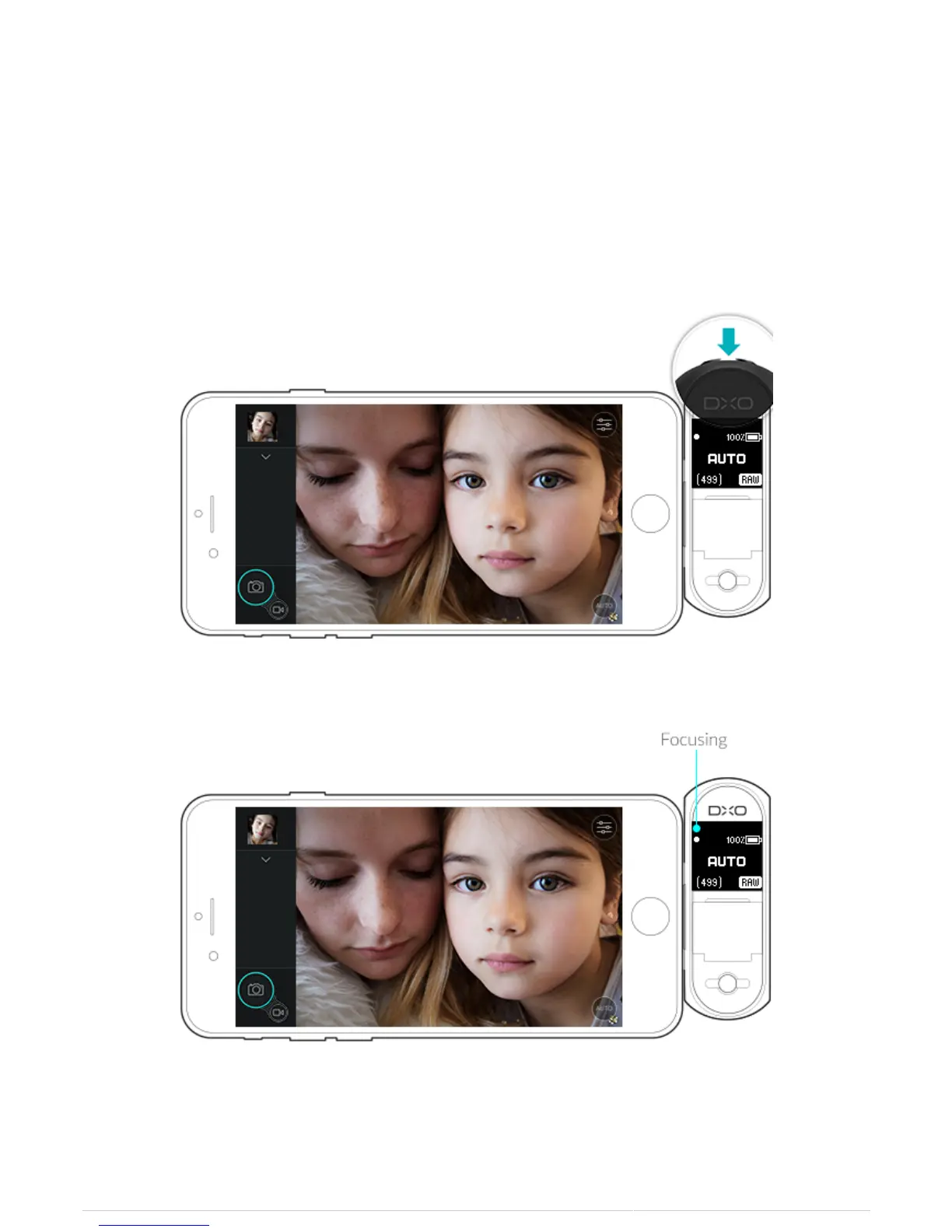
There are two shutter button options available to you when your DxO ONE camera is attached to your iPhone.
DxO ONE Shutter
1. There is a physical shutter button on the top of the DxO ONE device. To focus the DxO ONE lens, half press
the shutter.
2. During the focusing process, a dot on the OLED screen will blink.
3. Once focus is achieved, the dot on the OLED will stop blinking and the iPhone LCD screen will display a green
square.



 To Next Page