DxO ONE - User Guide - Copyright © DxO Labs 1999-2015 - All rights reserved 22
Stand-alone capture modes
Capture mode selection
It’s possible to use the DxO ONE as a stand-alone camera to capture still images and video in Auto mode. The
DxO ONE will return to Auto photo capture mode when turned on.
Turning the camera ON
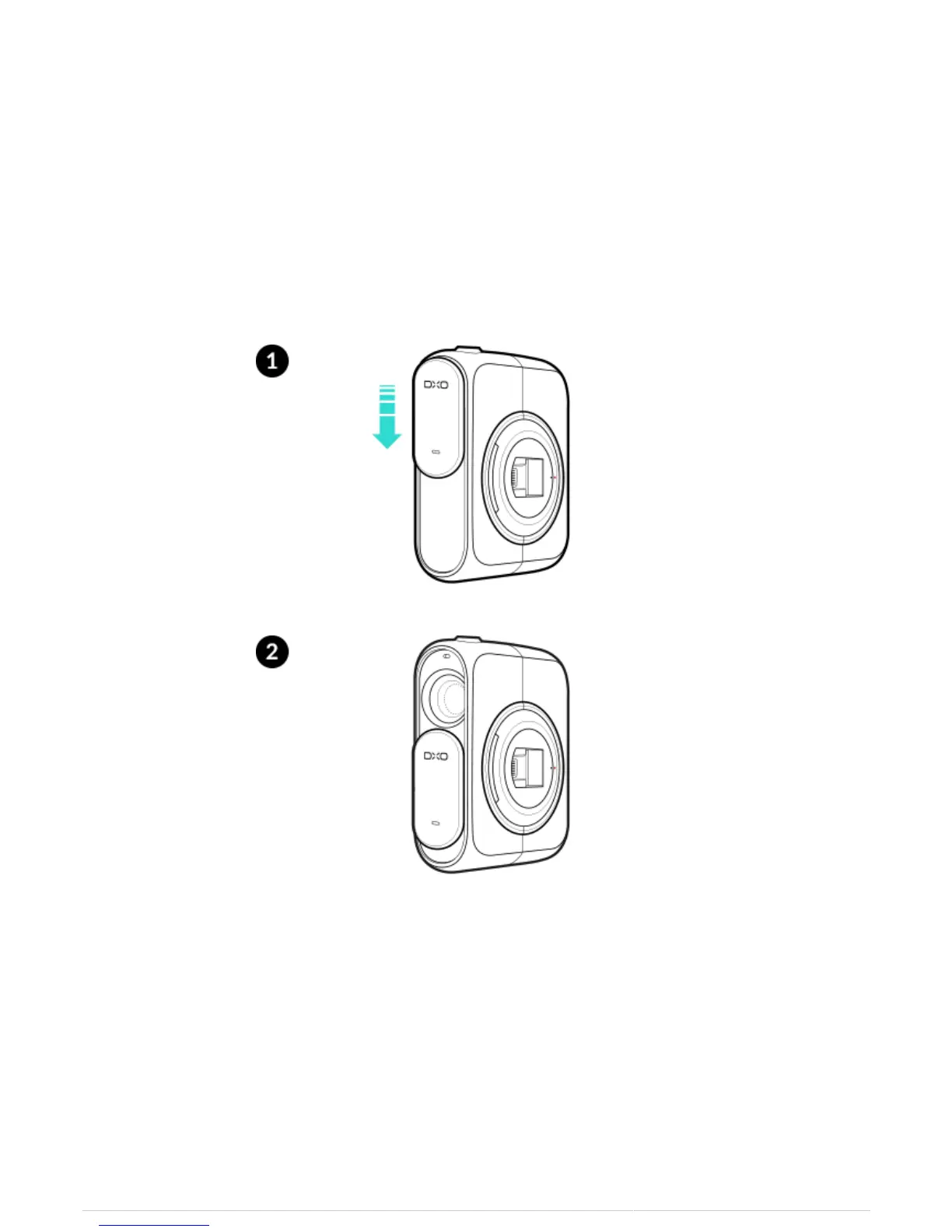
To turn the camera On, slide the lens cover down to reveal the lens.
Select mode
1. To change between still and video mode, swipe left or right on the OLED screen on the rear of the DxO ONE
device.



 To Next Page