DxO ONE - User Guide - Copyright © DxO Labs 1999-2015 - All rights reserved 65
DxO ONE iOS application Shutter
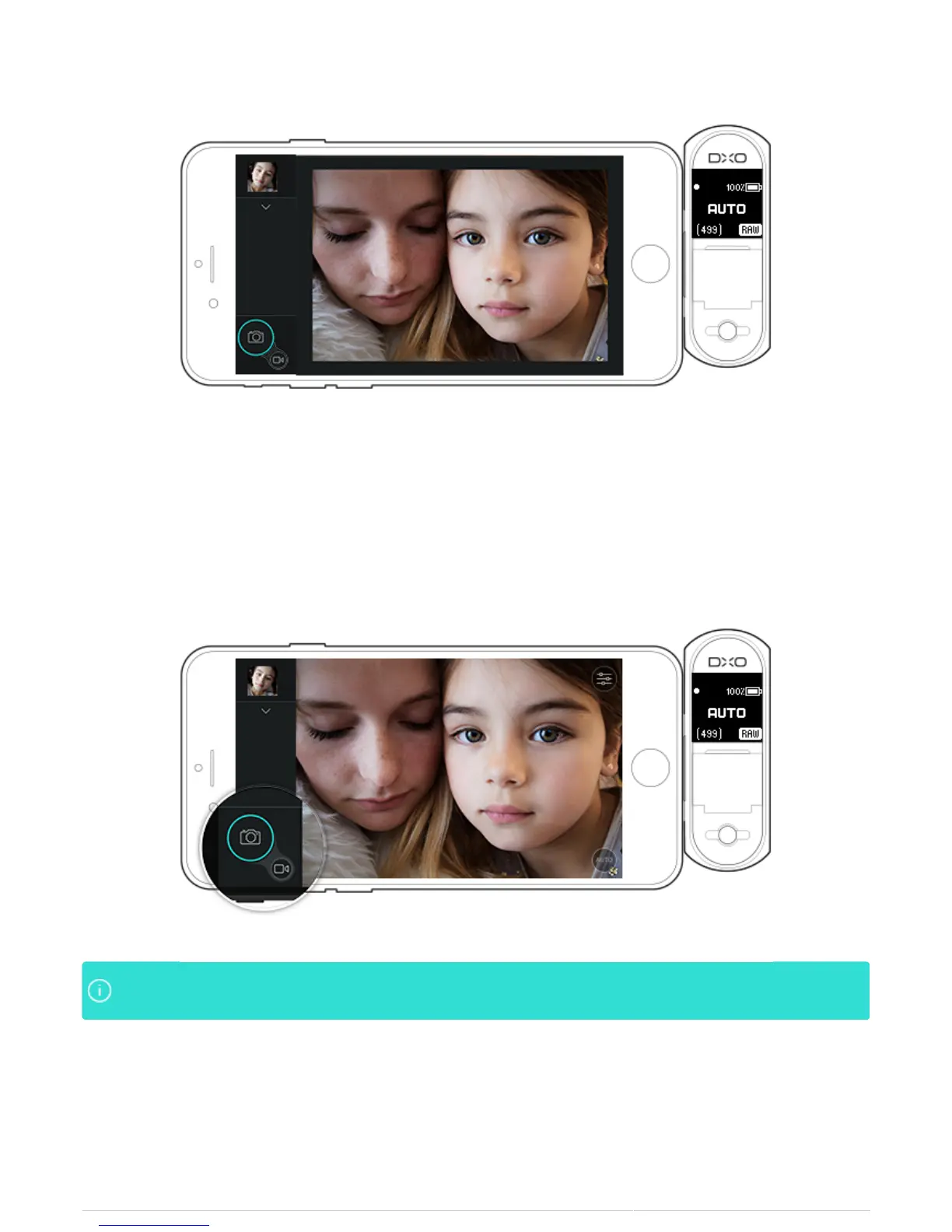
There is also a shutter button displayed on the app, at the bottom left. The iPhone 'tap-to-focus’ function is
supported as well. Tap the preview on the iPhone screen to achieve focus.
In low light situations, use the shutter button on the iPhone to reduce the risk of camera shake. TheIn low light situations, use the shutter button on the iPhone to reduce the risk of camera shake. The
two second timer is also very useful in reducing camera shake in low light situations.two second timer is also very useful in reducing camera shake in low light situations.
Continuous Shooting Mode
The DxO ONE has a mode for continuous shooting that saves photos while you press the shutter button or
trigger shots via the screen.



 To Next Page