DxO ONE - User Guide - Copyright © DxO Labs 1999-2015 - All rights reserved 51
Connected capture modes
Video modes
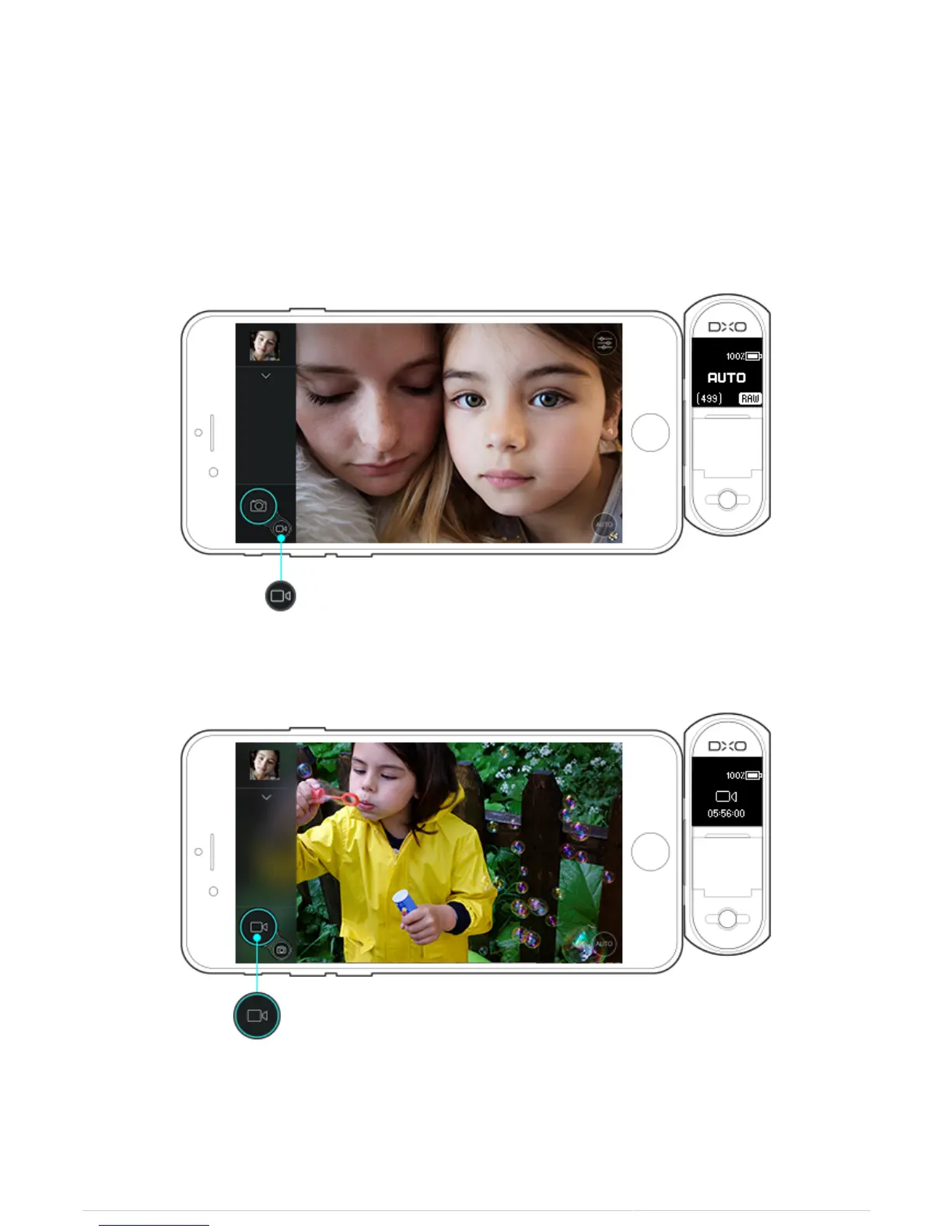
Selecting the Video Mode
1. To select video mode, switch the on-screen shutter button from the photo icon to the video icon.
2. The on-screen shutter button will switch to video mode.
Recording a Video
1. To start recording video, either tap the shutter button (video icon) on the iPhone display, or depress the
shutter button on the DxO ONE.



 To Next Page