DxO ONE - User Guide - Copyright © DxO Labs 1999-2015 - All rights reserved 20
Getting started
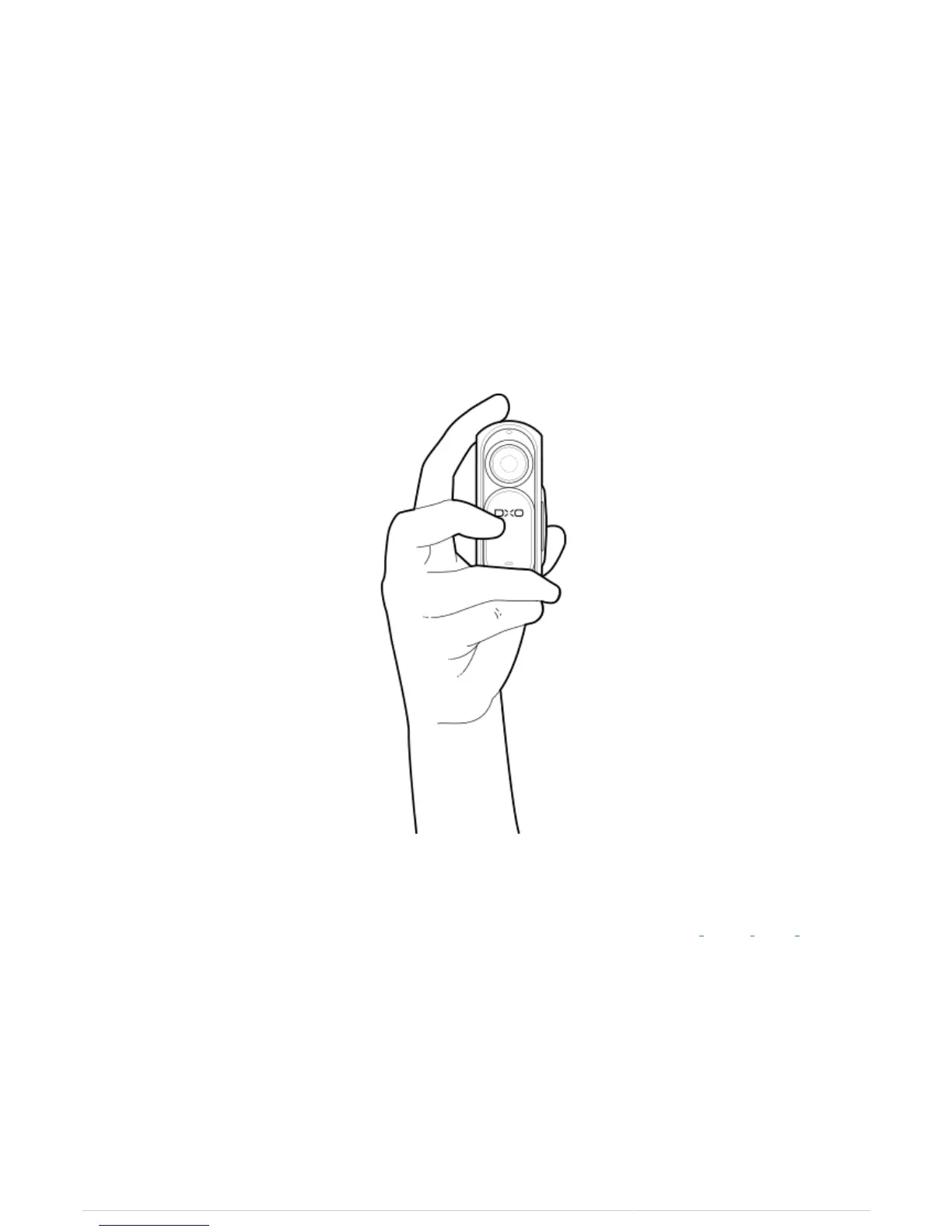
Holding the camera
The DxO ONE camera has two operating modes, Stand-alone mode and Connected mode, and can be used to
take still and video images in both modes.
Stand-Alone Mode
Your DxO ONE is a fully functioning miniature camera, even when not connected to your iPhone. Press the
shutter button on top of the ONE to take photos or record videos in stand-alone mode. The OLED display can be
used with the framing assistant for photos as well as for videos.
Connected Mode
When the DxO One is attached to your iPhone, you will be able to access all the shooting modes of the camera,
and use the attached iPhone LCD screen as your viewfinder for previewing and reviewing images and video.
Attach the DxO ONE to the lightning connection on your iPhone so that the lens of the camera faces away from
you and the LCD of the phone faces toward you.



 To Next Page