DxO ONE - User Guide - Copyright © DxO Labs 1999-2015 - All rights reserved 124
Settings
Application Settings
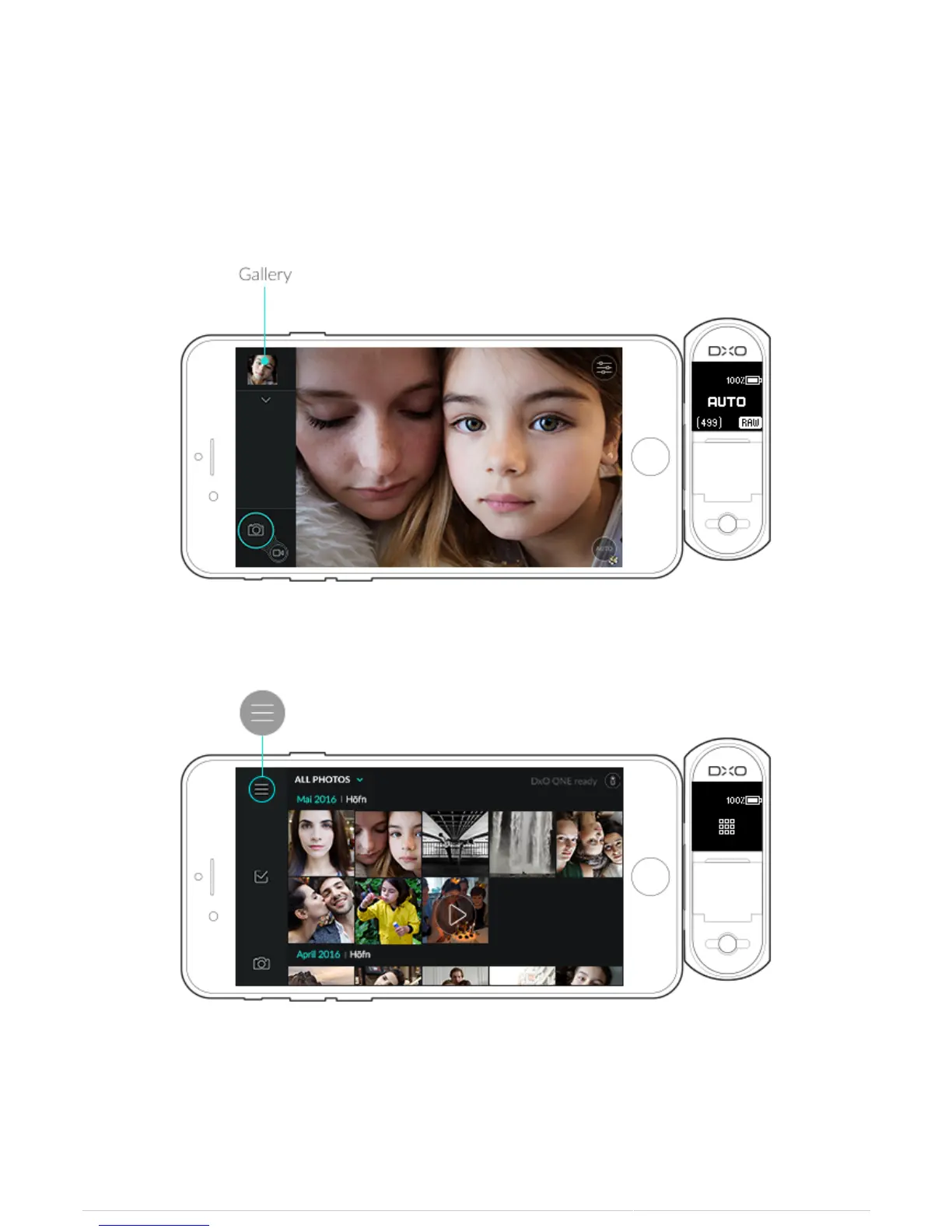
Accessing the DxO ONE application settings menu
1. While in capture mode, tap the gallery button on the top left. A new screen opens.
2. Tap the Menu grid button at the bottom of the toolbar.
3. A new screen opens that displays the options detailed below.



 To Next Page