DxO ONE - User Guide - Copyright © DxO Labs 1999-2015 - All rights reserved 61
Connected capture modes
Selecting the file format
Choosing the file format
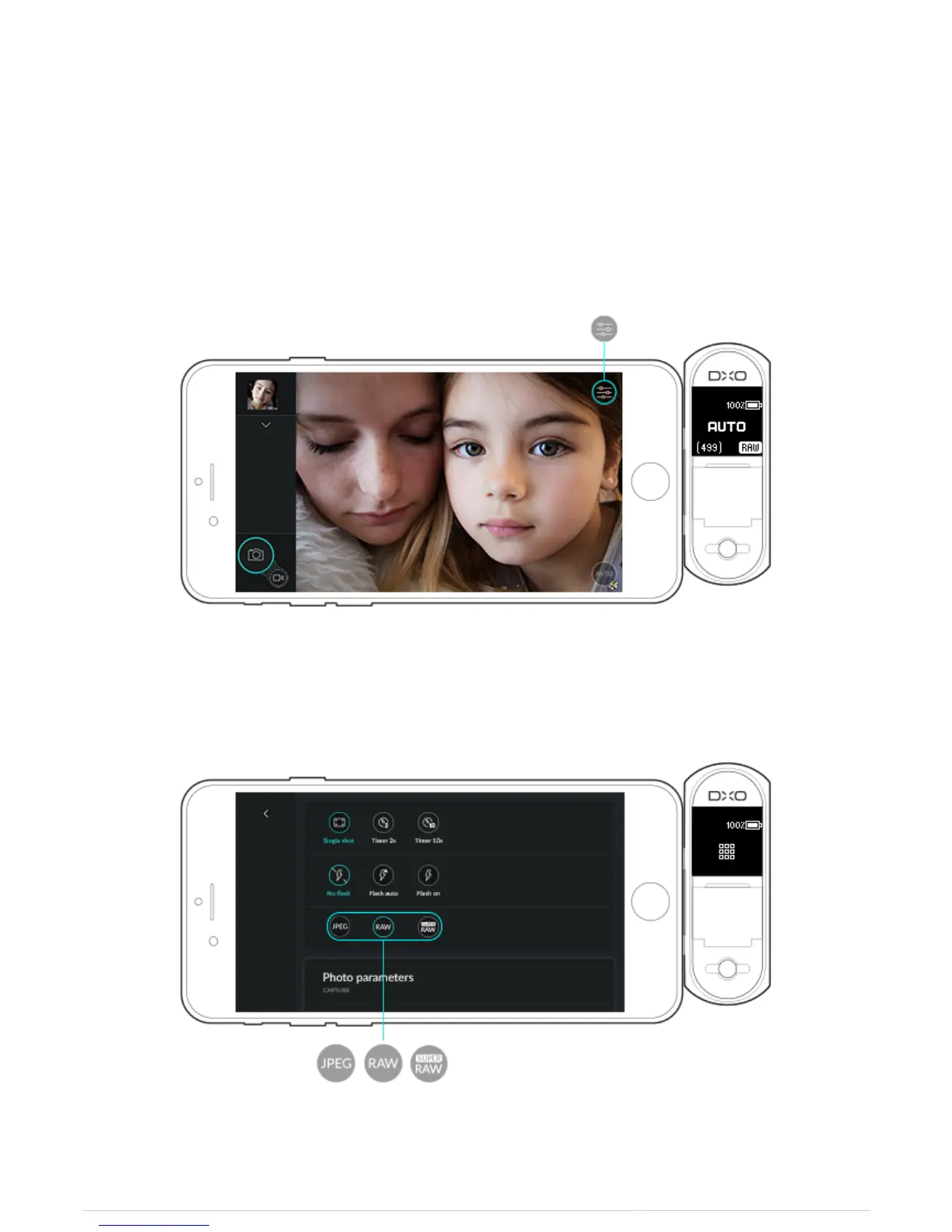
By default, the DxO ONE saves files in RAW+JPEG format. To change the file save format:
1. Press on the Capture settings button in the upper right of the screen.
2. In the third line of the Capture settings, select the file format you want: JPEG / SuperRAW / RAW.



 To Next Page