DxO ONE - User Guide - Copyright © DxO Labs 1999-2015 - All rights reserved 60
You can switch the timer on and set a value from 2 to 10s to get a capture countdown.
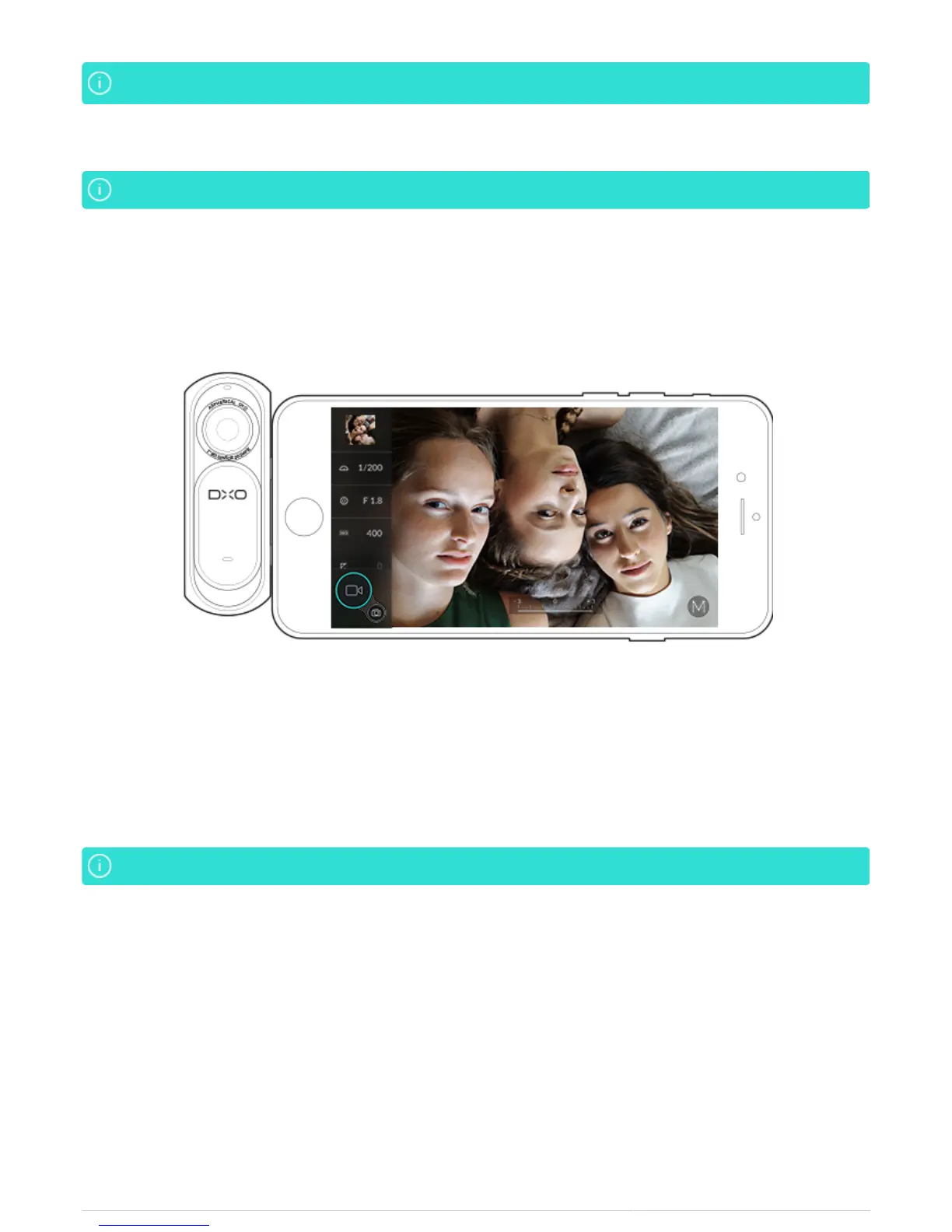
Selfie video mode
Selfie videos can be recorded in every mode: Auto, Slow-motion and Manual.Selfie videos can be recorded in every mode: Auto, Slow-motion and Manual.
1. Connect the DxO ONE to your iPhone with the lens and screen facing you.
2. Switch to video mode by pressing on the Video button on the bottom left of your iPhone screen.
3. Start recording by pressing on the ONE trigger or on the video button on the bottom left of your iPhone
screen.
4. To stop recording, press on the ONE trigger or on the red Stop button on the bottom left of your iPhone
screen.
The 'softbox' effect is not available in selfie video mode.The 'softbox' effect is not available in selfie video mode.
While recording, you can:
Change the focus by tapping on the desired location on the screen.
●
Capture JPEGs by pressing the shutter button.
●
Custom Selfies
The DxO ONE allows you to take selfies (self-portraits) in Scene and Advanced (P, A, S, M) shooting modes, by
adjusting all the settings and shooting parameters (ISO speed, aperture, etc.) according to the mode you select.



 To Next Page